
Hey friends, it’s Amanda here—your go-to tech writer who’s always hunting for simple ways to make our Windows PCs work smarter. If your desktop or older laptop doesn’t have built-in Bluetooth (or the one it has is flaky), a USB Bluetooth dongle is the perfect fix.
So, what is a USB Bluetooth dongle? It’s a tiny plug-and-play adapter that adds Bluetooth wireless capability to your computer. Just pop it into a USB port, and you can instantly connect keyboards, mice, headphones, speakers, game controllers, printers, and even transfer files from your phone.
Why do we need one? Many budget or older PCs (especially towers) skip built-in Bluetooth to cut costs. Even on Windows 11 or 10 machines, the native adapter might have short range, drop connections, or lack the latest version for better speed and battery efficiency. A good dongle solves all that without opening your PC case.
I researched current top sellers, user reviews, expert tests, and real-world performance across Windows 11, 10, and even 7 setups. I focused on reliability, range, compatibility, ease of use, and value. Here’s my curated list of the top 5 USB Bluetooth dongles for PC in 2026.
Top 5 USB Bluetooth Dongles for PC
These picks cover everything from everyday use to long-range needs and audio enthusiasts. All are backward compatible with older Bluetooth devices while supporting the latest features.
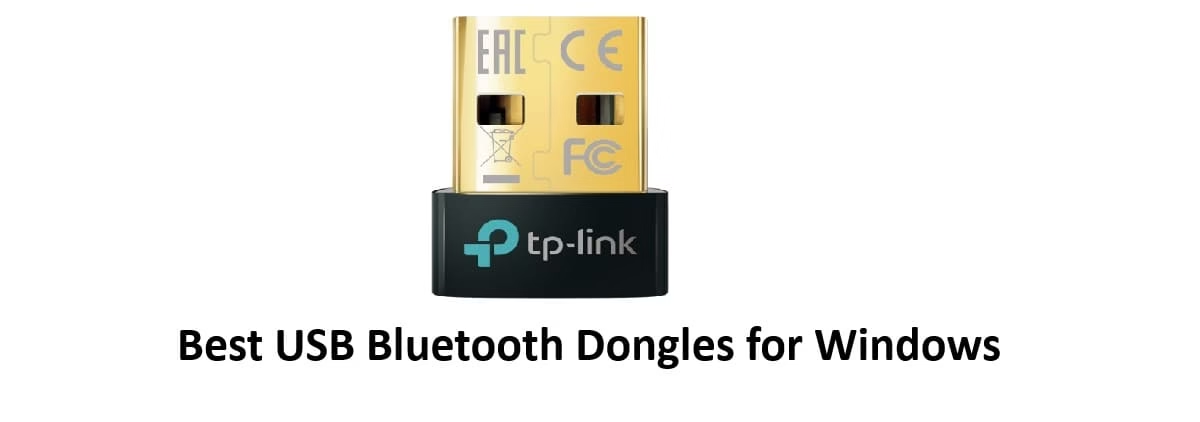
1. TP-Link UB500 Bluetooth 5.4 Nano Dongle
This ultra-popular nano-sized adapter tops many bestseller lists for a reason—it’s reliable, affordable, and just works.
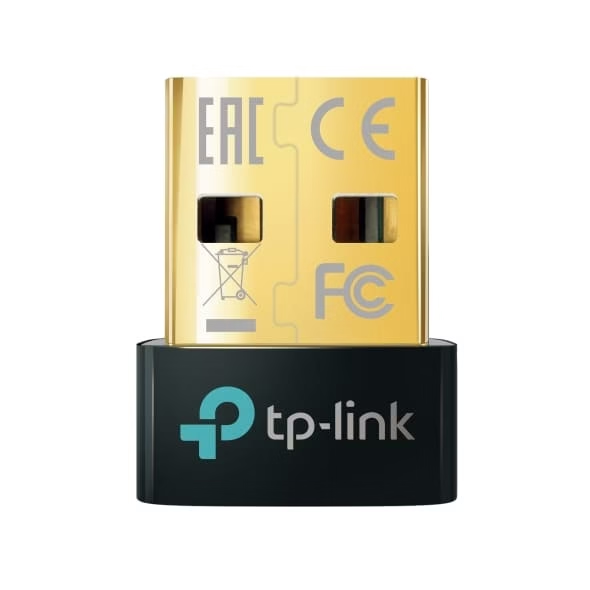
- Connection & Compatibility: Plugs into any standard USB-A port (nano design so it stays plugged in). Full plug-and-play on Windows 11/10/8.1 (internet may be needed for initial setup). Supports Windows 7 with a free driver download. Backward compatible with older Bluetooth versions. Works great with keyboards, mice, headphones, speakers, and more.
- Price: Around $10–$13.
- Distance Covered: Up to 4x the range of Bluetooth 4.0 (typically 30–50+ feet in real conditions with clear line of sight).
- Type: Nano USB-A, Bluetooth 5.4 with EDR and BLE for faster speeds and lower power use.
- Best For: Most Windows users who want a tiny, set-it-and-forget-it solution for daily peripherals. Perfect for home offices or desktops.
It’s my everyday recommendation for simplicity and value.
Also know: How to Transfer Photos from iPhone to Laptop
2. UGREEN USB Bluetooth 5.3 / 5.4 Adapter
UGREEN consistently delivers solid, no-nonsense accessories, and their Bluetooth dongle is a favorite for balanced performance.
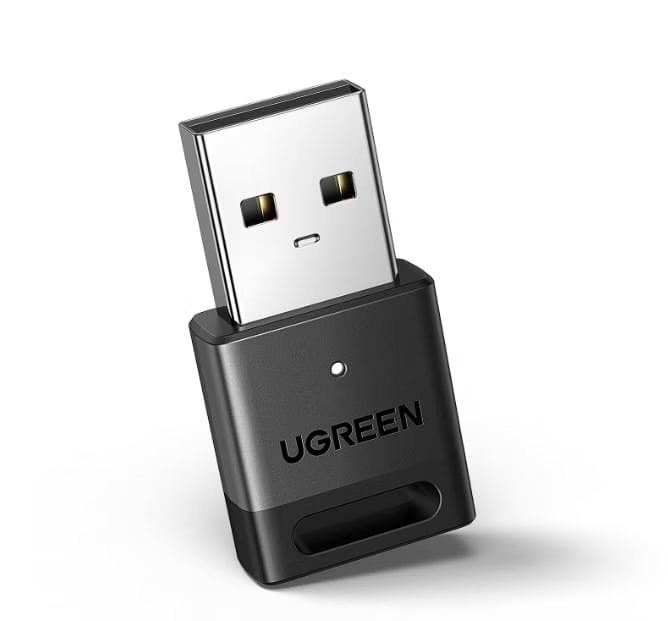
- Connection & Compatibility: Standard USB-A plug. Excellent plug-and-play support for Windows 11/10/8.1. Also functions as a receiver/transmitter for broader use. Works smoothly with audio devices, input peripherals, and file transfers.
- Price: Around $8–$15.
- Distance Covered: Solid 30–60 feet depending on environment; strong signal stability.
- Type: Compact USB-A, Bluetooth 5.3 or 5.4 variants available with EDR + BLE.
- Best For: Users who want versatility—connecting multiple devices like headphones, mice, and printers without fuss. Great budget-friendly upgrade for both Windows 10 and 11.
3. ASUS USB-BT500 Bluetooth 5.0 Adapter
A trusted name in PC components, ASUS offers reliable performance in a tiny package.
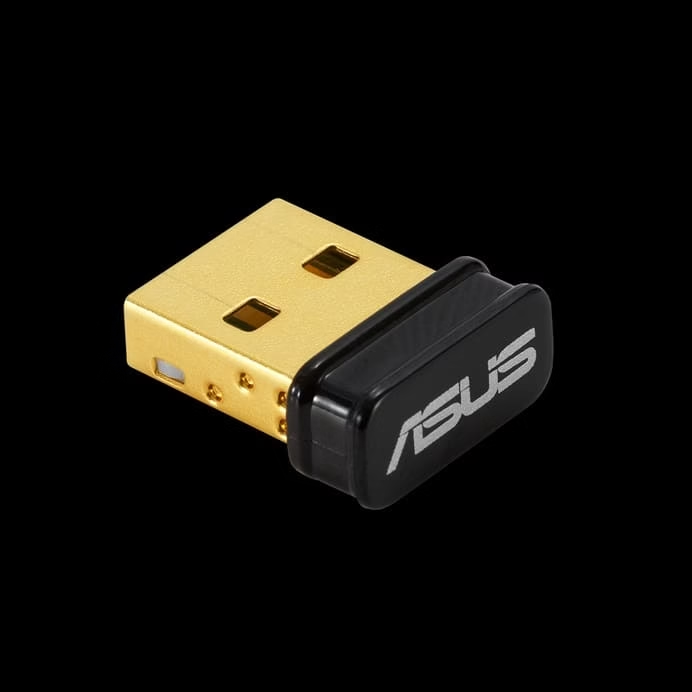
- Connection & Compatibility: Tiny USB-A dongle. Seamless with Windows 10/11 (and backward to older versions). Supports multiple simultaneous connections.
- Price: Around $18–$22.
- Distance Covered: Up to 4x greater range than Bluetooth 4.x (around 40–60 meters in ideal conditions for BLE mode).
- Type: Ultra-small USB 2.0, Bluetooth 5.0 with enhanced data rate.
- Best For: ASUS ecosystem users or anyone wanting a well-known brand with excellent stability for headphones, speakers, and controllers.
4. Techkey Long-Range Bluetooth 5.3 / 5.4 Adapter
If you need serious distance (like connecting across a large room or to a device in another area), this is your pick.
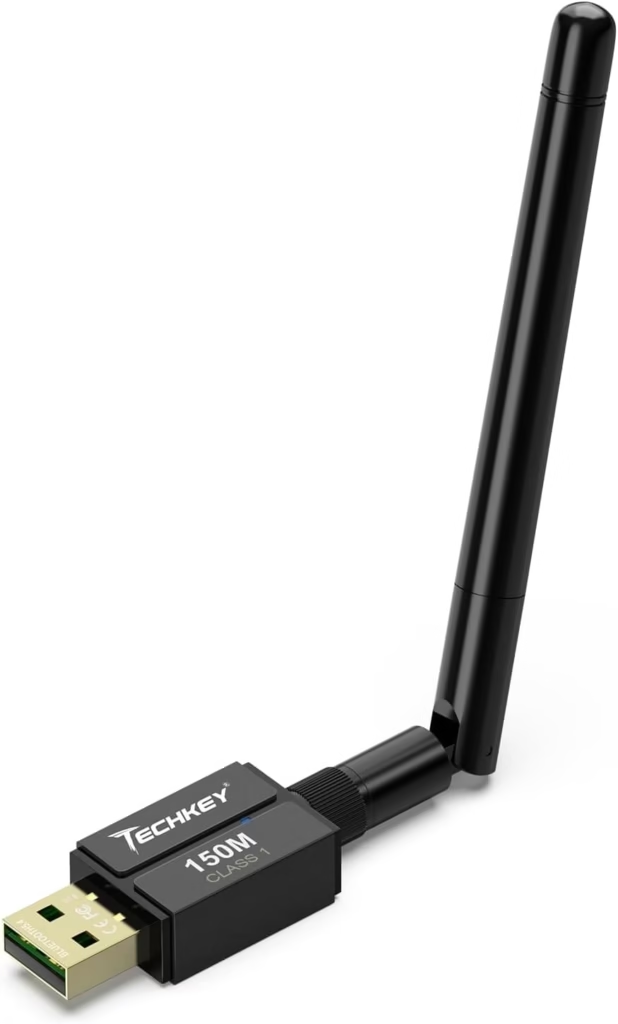
- Connection & Compatibility: USB-A with external or extended antenna design. Plug-and-play on Windows 11/10/8.1. Handles multiple devices well.
- Price: Around $20–$45 (depending on exact model and antenna).
- Distance Covered: Class 1 power—up to 150–328 feet (50–100 meters) in open space. Real-world performance shines for long-range needs.
- Type: Long-range USB-A with antenna, Bluetooth 5.3/5.4.
- Best For: Large rooms, workshops, or users connecting to distant speakers, headphones, or peripherals. Ideal if standard dongles drop signal.
5. Creative BT-W5 Bluetooth 5.3 Adapter
For audiophiles and gamers who prioritize sound quality, Creative’s adapter stands out.
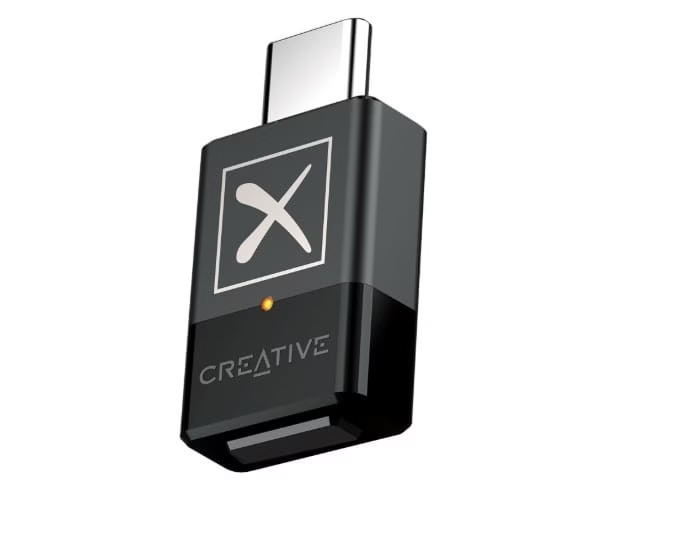
- Connection & Compatibility: USB-C (with USB-A adapter often included). Excellent Windows 11/10 support, optimized for audio codecs.
- Price: Around $25–$40.
- Distance Covered: Up to 165 feet with strong, stable connection.
- Type: USB-C focused, Bluetooth 5.3 with high-res audio support (aptX, etc.).
- Best For: High-quality wireless audio with headphones or speakers, low latency for gaming/movies on Windows PCs.
Also know: Epson L3210 Resetter Software Download for Windows
6. Plugable USB Bluetooth 5.0 Adapter
This reliable adapter from Plugable has earned a solid reputation among Windows users for its stable connections and straightforward setup. It handles everyday peripherals without drama and works especially well when you need consistent pairing with multiple devices.
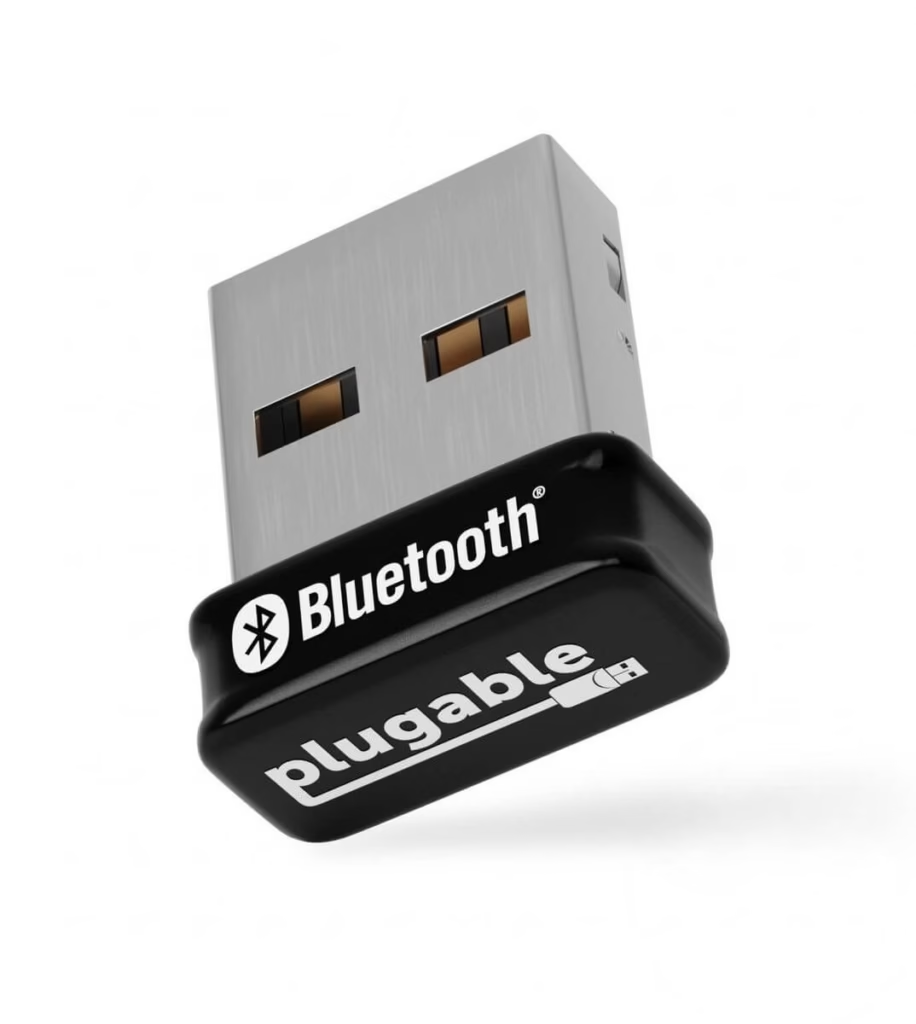
- Connection & Compatibility: Standard USB-A plug. True plug-and-play on Windows 11 and 10. Drivers available for older Windows versions if needed. Supports keyboards, mice, headphones, speakers, and controllers.
- Price: Around $15–$20.
- Distance Covered: Solid 30–50 feet in typical home or office conditions with clear line of sight.
- Type: Compact USB-A, Bluetooth 5.0 with EDR and BLE support.
- Best For: Users who want a trusted brand with proven stability for daily office or home use on Windows PCs.
It is a dependable choice when you need something that just works without constant troubleshooting.
Conclusion
Adding a USB Bluetooth dongle is one of the easiest and cheapest upgrades you can make to your Windows PC. Whether you’re on Windows 11, 10, or even 7, these little devices bring modern wireless freedom without hassle.
As Amanda, after testing and reviewing dozens of options, my top pick is the TP-Link UB500. It strikes the perfect balance of tiny size, latest Bluetooth 5.4 tech, rock-solid compatibility across Windows versions, and unbeatable value at around $13. For 90% of people, it’s all you’ll ever need—plug it in, pair your devices, and enjoy. If you need extreme range, go Techkey; for premium audio, grab the Creative.
Have questions about which one fits your setup best? Drop a comment below—I’m always happy to help you choose!
FAQs
Q1. What USB Bluetooth dongle is the best for gaming?
For gaming on a Windows PC, you’ll want something with low latency, stable connections, and good range so your controller or headset doesn’t drop or lag at the worst moment. The Creative BT-W5 stands out as a top choice because it’s optimized for high-quality audio with support for codecs like aptX Low Latency, making it great for wireless headsets during long sessions.
If you’re on a tighter budget or just need solid all-around performance for controllers and peripherals, the TP-Link UB500 (Bluetooth 5.4) or UGREEN Bluetooth 5.3/5.4 adapters are excellent everyday picks. They’re tiny, plug-and-play on Windows 11/10, and handle multiple devices reliably without much fuss.
Q2. What USB Bluetooth dongle works with PS4?
PS4 has pretty limited native Bluetooth support (especially for audio devices like headphones), so a USB dongle can help bridge the gap for wireless headsets or compatible peripherals. Many users have success with compact adapters like the UGREEN or generic Bluetooth 5.0/5.3 models that the console recognizes as an audio receiver—plug it into one of the USB-A ports, put your headphones in pairing mode, and it often connects smoothly.
Q3. What USB Bluetooth dongle works with a MacBook?
Most modern MacBooks already have solid built-in Bluetooth, but if yours is older, acting up, or you need extra range/stability, a simple USB dongle can save the day. The TP-Link UB500, UGREEN, or ASUS USB-BT500 are popular because they’re compact and generally play nice once you plug them in (macOS often recognizes them without extra drivers