In 2026, scrolling through Facebook feels like wandering through an endless highlight reel of life’s moments. You spot a heartfelt family reunion video, a clever DIY tutorial, or a private group live session packed with insights you wish you could keep. Yet Facebook doesn’t make saving these easy. That’s exactly why people hunt for a reliable Facebook Video Downloader.
Whether you’re a content creator archiving inspiration, a student saving educational clips, or someone who simply wants memories offline, the search usually stems from one frustration: limited built-in options and privacy walls. Public videos are straightforward, but private ones, shared only with friends or group members – add another layer of challenge. In this guide, I’ll walk you through safe, effective ways to download both. I’ve tested options based on real user feedback and high-authority sources so you avoid shady tools that might sneak in malware or spam.
We’ll cover the different video types on Facebook, top safe downloaders for public content, proven methods for private videos (with permission, of course), and practical steps that work on phones, tablets, and computers. By the end, you’ll have clear choices that respect privacy while giving you the control you need.
Types of Videos on Facebook
Facebook hosts a rich mix of video formats, each serving different purposes. Understanding them helps you pick the right downloader approach.
- Public Videos: appear on profiles, pages, or watch feeds visible to anyone. These include long-form posts, live recordings, and shared content. They’re the easiest to grab because no login barriers block access.
- Private Videos: stay limited to friends, specific groups, or custom audiences. You might encounter these in closed communities, family shares, or professional networks. Downloading requires viewing access and ethical care—always get permission if it’s not your own content.
- Reels: are short, vertical, music-driven clips designed for quick entertainment and discovery. They often go viral fast, so saving one for later reference makes sense.
- Stories: vanish after 24 hours. These temporary updates capture spontaneous moments—behind-the-scenes or quick announcements. Capturing them before they disappear feels like preserving fleeting memories.
- Live Videos: stream in real-time and can be saved as recordings afterward. Private group lives, for instance, often hold valuable discussions you might want to revisit.
Each type has its quirks. Public ones download smoothly with online tools. Private and story content usually need extra steps or logged-in access. In my experience, knowing the video type upfront saves time and prevents dead-end attempts.
Safe Facebook Video Downloader for Public Videos
For public videos, you want tools that are fast, ad-light, and privacy-friendly. Avoid anything asking for your Facebook login—that’s a red flag. Here are standout options that have earned trust through consistent performance and user reviews.
Public videos are the easiest to handle. These are the ones anyone can view without being friends or in a group. A good downloader here should offer HD quality, work quickly, and avoid bombarding you with ads or redirects. I always recommend starting with browser-based options for simplicity before moving to dedicated software. They keep things lightweight and reduce installation risks.
Here are some standout tools that consistently rise to the top in 2026 reviews.
1. FDown.net – The Go-To Online Pick
FDown.net feels like an old reliable friend in the crowded world of downloaders. In my experience, it handles most public Facebook videos smoothly, including reels and live recordings that others sometimes choke on.
You can grab videos in SD or HD quality, often up to 1080p. It works on any device—no apps needed. What I like most is its clean interface once you dodge the occasional ad (just be careful not to click fake “Download” buttons).
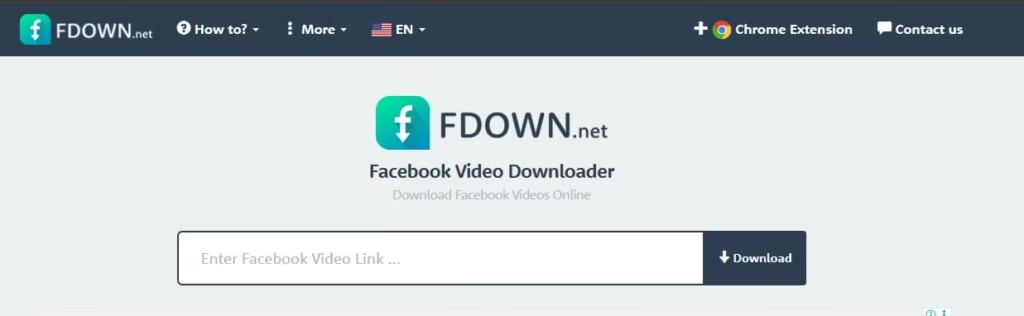
How to use it:
- Open the Facebook video you want.
- Click the three dots (…) and copy the link.
- Head to fdown.net and paste the URL.
- Hit Download, choose your quality (HD if available), and save the MP4.
It shines for quick saves on mobile too. Just use a decent browser. One quirk: it might flag some videos as private even if they’re not, refresh or try again. Overall, it’s fast and doesn’t store your history, which gives peace of mind.
2. SnapSave – Simple and Effective for Everyday Use
SnapSave wins points for its no-nonsense approach. I’ve used it when I needed something reliable without extra bells and whistles. It supports public videos, reels, and even some stories. Quality options are solid, and downloads start quickly.
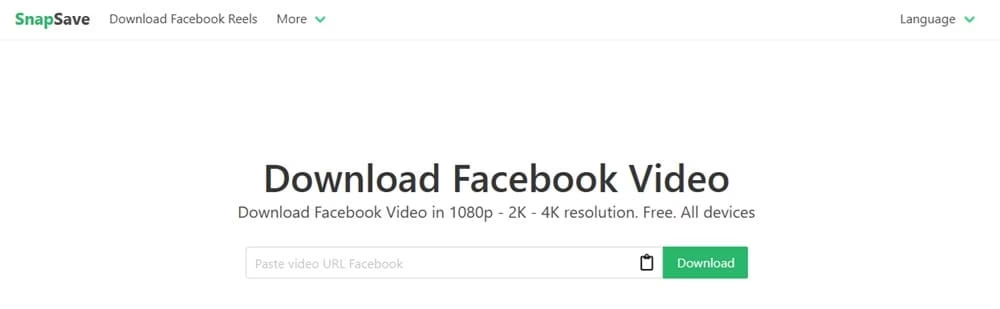
Steps that feel effortless:
- Copy the Facebook video URL.
- Visit snapsave.app (or similar current domain).
- Paste and let it analyze.
- Pick HD or standard and download.
I feel like this one is especially handy for batch needs or when you’re on a shared computer. No login required, and it stays lightweight. Users report fewer ad interruptions compared to some competitors. Perfect if you want to download a few clips during a coffee break.
3. 4K Video Downloader – Desktop Powerhouse
When I need more control or plan to download several videos, I turn to 4K Video Downloader (or its Plus version). This isn’t just for YouTube— it handles Facebook beautifully and often pulls higher resolutions or subtitles if available.
It’s a proper app you install once. The interface is clean, and you can paste multiple links. Smart mode lets you set preferences once and go.
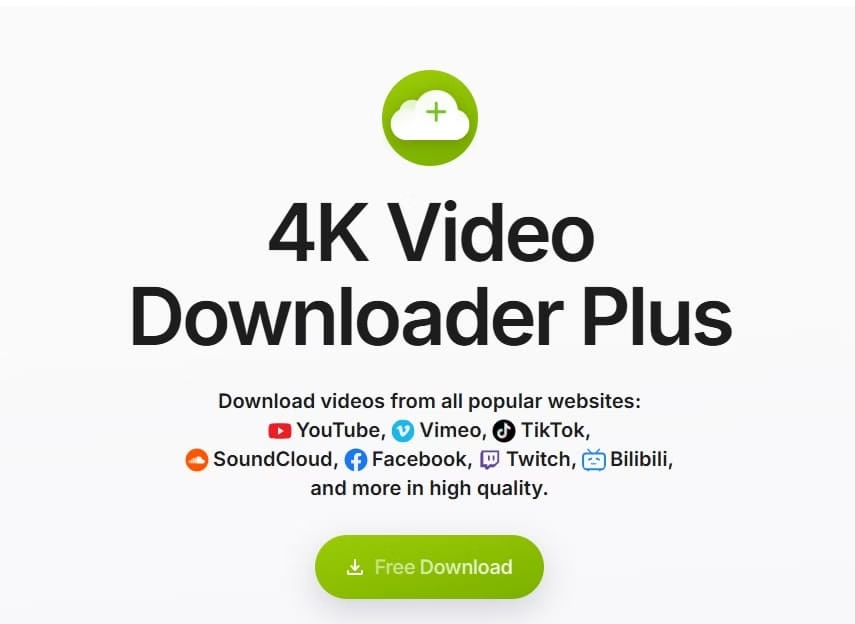
Easy workflow:
- Install from the official site (always double-check for the real one).
- Copy Facebook link(s).
- Paste into the app.
- Select quality (up to 4K where supported) and format.
- Download and enjoy.
In my experience, it feels more future-proof. Updates keep it working as Facebook changes things. The free version has limits, but paid unlocks unlimited use—worth it for heavy users. Great for archiving public educational content or family memories.
4. SnapDownloader – Another Strong Desktop Option
SnapDownloader stands out for its speed and broad support. It’s one of those tools that just works across platforms and delivers crisp files. I appreciate how it organizes downloads neatly in folders you choose.
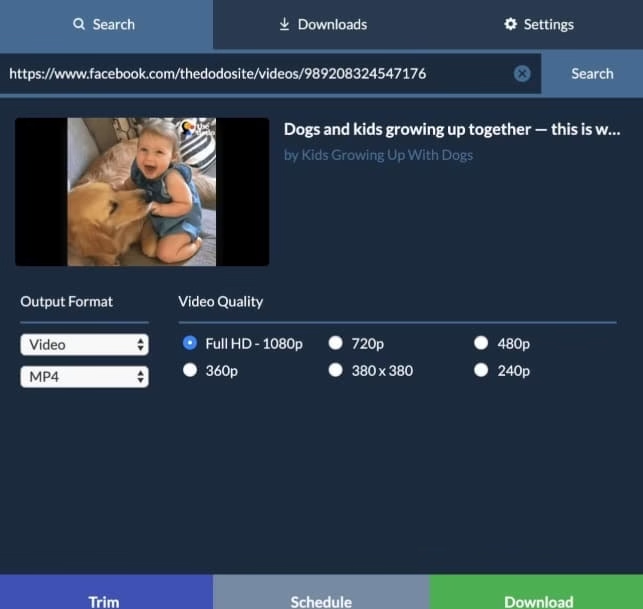
Follow these steps:
- Download and open the software.
- Paste the Facebook URL.
- Preview available qualities.
- Hit download—done.
It handles public posts, reels, and more. Bonus: built-in scheduler if you want to queue things overnight. Lightweight enough not to slow your computer.
5. Browser Extensions like Video Downloader PLUS
For seamless experience, add an extension such as Video Downloader PLUS for Chrome or Edge. It puts a download button right on Facebook videos when possible. Super convenient for frequent users.
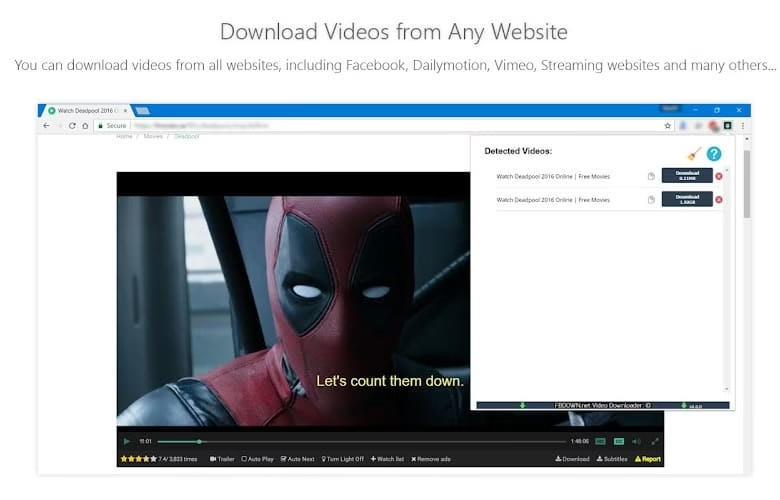
Just install from the official store, visit Facebook, and click when the button appears. Quick and integrated.
These tools generally work best for public content. Always scan downloads with antivirus as a habit, even from trusted sources.
Also know: Best Video Editing Software Download for GoPro
How to Download Private Facebook Videos
Private videos require more care. They’re visible only to approved viewers, so tools must respect those boundaries.
Important: Only download videos you have legitimate access to view. Respect copyright and get explicit permission before saving or sharing someone else’s content. Facebook’s terms discourage unauthorized downloads, and violating privacy can lead to issues.
You can usually download your own videos or those in groups you belong to. Here’s how trusted methods work.
1. Browser Trick (Mobile View Method)
This no-tool hack often works for private videos you can already see.
- Open the video in your browser (Chrome or Firefox).
- Change “www.facebook.com” in the URL to “m.facebook.com” (mobile version).
- Play the video.
- Right-click the playing video and select “Save video as…” or open the direct link in a new tab.
It bypasses some restrictions by mimicking mobile access. Many users in private groups swear by this for live recordings.
2. Page Source Method with Online Helpers
For trickier cases:
- On the private video page, right-click and select “View Page Source.”

- Search (Ctrl+F) for “.mp4” or video URLs.
- Copy a direct link ending in .mp4.
- Paste into a trusted downloader like FvidGo or similar that supports private access (if you’re logged in via browser).
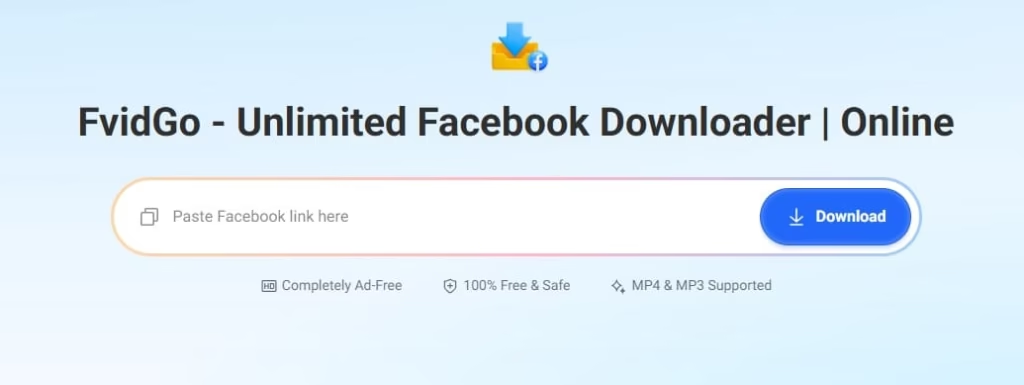
This requires patience but works when standard paste methods fail.
3. Desktop Apps with Built-in Browser (e.g., Cisdem or Similar)
Apps like Cisdem VideoPaw let you log in securely within their interface to access private content you’re allowed to view. They handle authentication better than web tools.
Steps:
- Launch the app on your device.
- Open the embedded browser within the app.
- Navigate to Facebook and log in if needed.
- Find and open the video you want to save.
- Tap/click the Download option to save it locally.
Best for: Archiving videos from Facebook Groups, personal profiles, or public pages.
Mobile Apps Caution: Some Android apps claim private support, but stick to reputable ones from Play Store. Test small first and read reviews for 2026 updates.
Remember, success depends on your access level. If a video stays blocked, it’s likely intentional—respect that.
Also know: Secure Y2mate Alternatives to Download YouTube Videos in 2026
Conclusion
Finding the right Facebook Video Downloader in 2026 boils down to safety, simplicity, and respect. Public videos open up easily with tools like FDown.net or desktop apps, while private ones need thoughtful methods and permission. I’ve seen friends save precious family moments or useful tutorials this way without headaches. Start small, test on public content, and always prioritize ethics. Your downloads should enhance your experience, not create risks. If Facebook changes things (they often do), these core approaches adapt well.
Happy saving—may your offline collection bring as much joy as the original scrolls.

Amanda Starc
Amanda is a dedicated technical web content writer with a passion for transforming complex ideas into compelling and accessible online narratives. With a background in web development, and digital Marketing I bring a unique blend of technical expertise and creative storytelling to the digital domain.
