Looking for the perfect browser for gaming on your Windows PC? You’re not alone. While most gamers focus on hardware like GPU and CPU, the browser you use can quietly make or break your experience — whether you’re checking guides, watching Twitch streams, launching cloud games, or multitasking with Discord and YouTube.
In this guide, we break down why a good gaming browser matters and reveal the top 5 browsers for gaming on Windows in 2026. We’ve tested them based on real performance, resource usage, and gamer-friendly features. Whether you want smooth streaming, low RAM usage while gaming, or cool customization, you’ll find a strong option here.
Let’s help you pick the right browser for gaming that actually boosts your setup instead of slowing it down.
Why We Need a Browser for Gaming with Their Benefits
Modern gaming isn’t just about launching Steam or Epic Games. Many players spend hours with browsers open for live walkthroughs, Discord chats, YouTube highlights, or cloud gaming platforms like Xbox Cloud and GeForce Now.
A dedicated browser for gaming gives you:
- Better performance — Less lag and fewer frame drops when the browser runs in the background.
- Resource control — Limit CPU, RAM, and network usage so your games get more power.
- Gamer-focused tools — Built-in Twitch integration, dark themes, RGB sync, and quick access to gaming news.
- Smooth multitasking — Run multiple tabs without slowing down your PC.
- Faster loading — Quick access to maps, wikis, and streams without frustrating delays.
Using the right browser means fewer stutters, cooler aesthetics, and a more enjoyable overall experience.
Top 5 Browsers to Use for Gaming in Windows PC
Here are the best browsers for gaming on Windows PCs right now. Each one is picked for its real strengths in 2026.
1. Opera GX
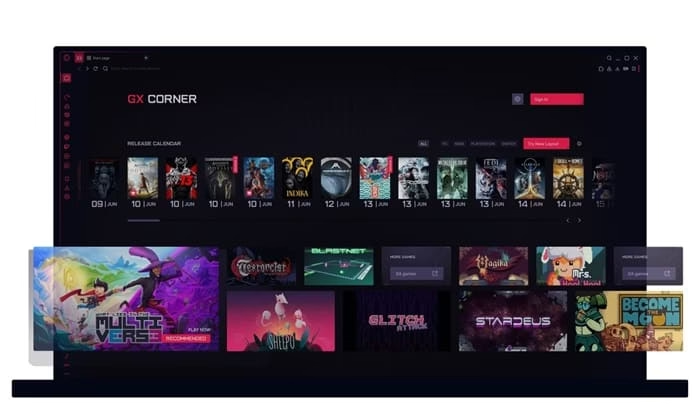
Opera GX is widely known as the gamer’s browser. It was built from the ground up for people who game and multitask heavily.
Key Features:
- GX Control panel to limit CPU, RAM, and network usage
- Built-in Twitch and Discord integration
- Custom themes, wallpapers, and RGB lighting sync
- Built-in ad blocker and VPN
- Sidebar for quick access to messengers and music
Best For: Gamers who stream, watch videos, and browse while playing. Perfect if you want full control over resources so your games stay smooth.
Also know: Best VR Headsets for Gaming in 2026
2. Microsoft Edge
Edge has become a favorite among Windows gamers because it integrates deeply with Windows 11 and offers excellent efficiency.

Key Features:
- Clarity Boost for sharper visuals in browser and cloud games
- Sleeping tabs and Startup Boost for better memory management
- Vertical tabs and Collections to stay organized
- Strong performance with low resource usage on Windows
- Copilot AI for quick help with game questions
Best For: Windows users who want a clean, fast, and native-feeling experience. Great for cloud gaming and everyday multitasking.
3. Google Chrome
Chrome remains a reliable choice thanks to its massive extension library and consistent updates.

Key Features:
- Huge selection of gaming extensions and tools
- Fast JavaScript performance for browser games
- Excellent compatibility with most websites
- Hardware acceleration support
- Easy Google account sync
Best For: Competitive gamers who need specific extensions and reliable performance across all gaming sites.
4. Mozilla Firefox
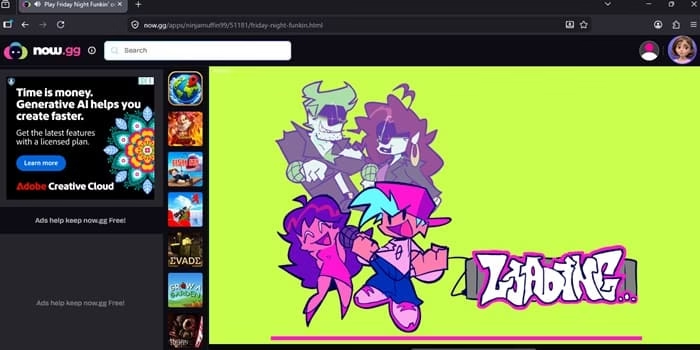
Firefox stands out for being lightweight and privacy-focused while still delivering solid gaming performance.
Key Features:
- Lower memory usage compared to Chrome
- Strong tracking protection
- Excellent customization with add-ons
- Picture-in-Picture mode for streams
- Fast updates and open-source nature
Best For: Gamers who value privacy and want a clean browser that doesn’t eat up too much RAM.
Also know: Best Retro Mechanical Keyboards for Gaming PC
5. Brave Browser
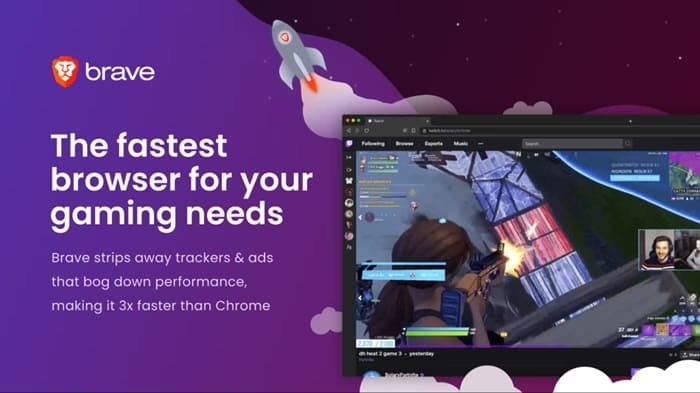
Brave combines speed, privacy, and efficiency in one package.
Key Features:
- Built-in aggressive ad and tracker blocking
- Very low resource usage
- Brave Rewards system (optional)
- Fast page loading
- Tor private tabs for extra security
Best For: Gamers who want a fast, private, and lightweight browser without extra bloat.
Conclusion
Choosing the right browser for gaming can seriously improve your Windows PC experience. Opera GX wins for pure gamer features, while Microsoft Edge offers the best Windows integration. Try 2–3 options and see which feels best with your setup.
The perfect browser is the one that stays out of your way and helps you enjoy gaming more.

