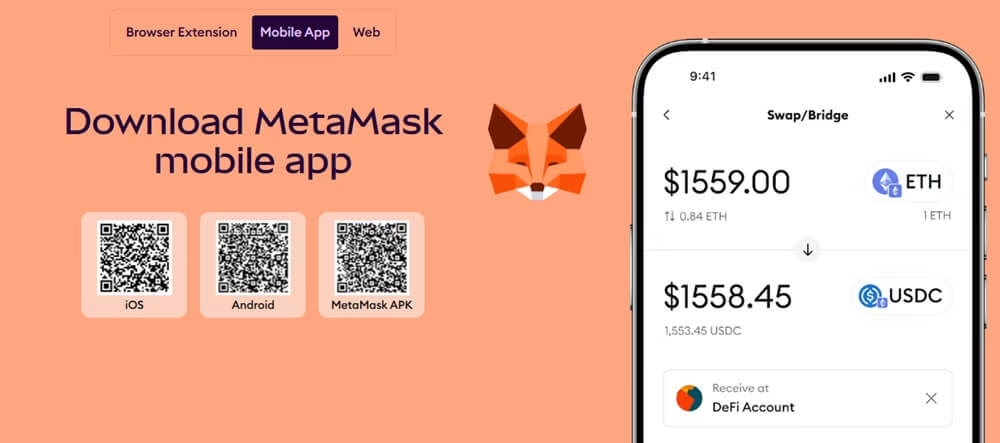
Getting started with crypto often hits a wall right at the beginning. You hear about MetaMask everywhere, yet finding the real download and installing it the right way can feel confusing. Fake sites and look-alike extensions pop up fast, and one wrong click can put your future funds at risk. On Windows you need the official browser extension for Chrome or Firefox. On your phone you need the genuine mobile app from the App Store or Google Play.
This guide walks you through the exact steps to download and set up MetaMask safely on Windows (Google Chrome and Firefox) as well as the official mobile apps. You will see the trusted sources, what to watch out for, and how to get the wallet ready without unnecessary stress.
1. Download Metamask for Windows Computer
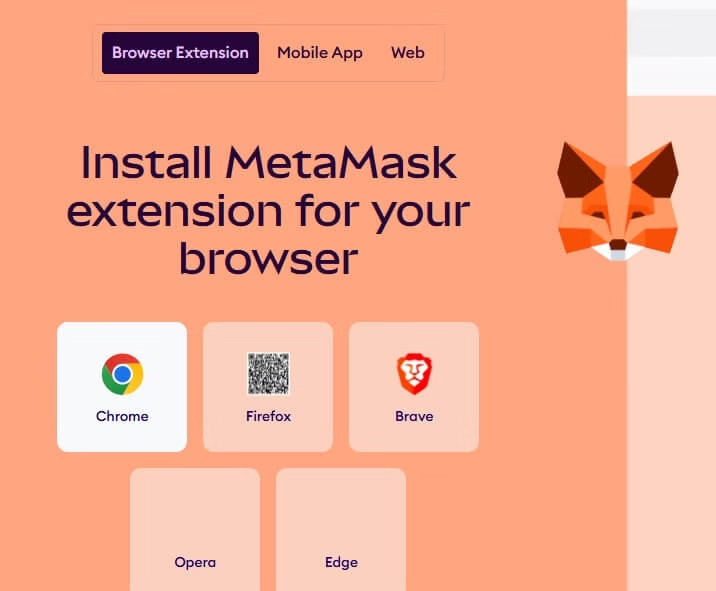
As metamask don’t have any app for windows, it has it’s dedicated extension and directly web accessing. You can download the extension of it by following steps.
MetaMask works great on Chromium-based browsers like Chrome, Brave, Edge, Opera, or even Firefox.
Here’s how to get it set up
- To Download it’s extension visit official site of Metamask.
- You’ll see buttons to install it for your specific browser (like “Install MetaMask for Chrome” or whatever matches yours).
- Click on the button according your browser. Then it’ll take you right to the official store (Chrome Web Store, Firefox Add-ons, etc.).
- In the store hit “Add to Chrome” (or similar), then confirm “Add Extension.”
- After it installs, look for the little fox icon in your browser’s toolbar. Pin it so it’s easy to access (most browsers let you do this by right-clicking the icon).
- Click the icon to launch MetaMask
Pro Tips:
- If you’re new, choose “Create a Wallet.”
- If you already have one, go with “Import Wallet.”
- Set a strong password.
- Super important: Back up your 12-word Secret Recovery Phrase. Write it down on paper and store it somewhere safe offline—never screenshot it, share it, or store it digitally. This is your key to recovering your wallet if something goes wrong!
You just need a relatively up-to-date browser – no extra software required.
2. How to Download MetaMask for Firefox
MetaMask works perfectly as a browser extension on Firefox. The process is very similar to other browsers, but you’ll be directed to the official Firefox Add-ons store. Only download from the official MetaMask website or the verified Firefox Add-ons page. Never use Google search results, random links, or third-party sites
To Download MetaMask for Firefox follow these steps:
- On MetaMask official site click the button that says “Install MetaMask for Firefox”.
- After clicking on that you will land on this page : https://addons.mozilla.org/en-US/firefox/addon/ether-metamask/
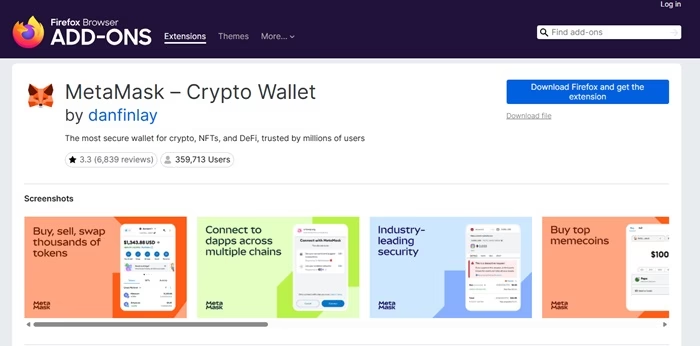
- The extension is published by Consensys Software Inc. always verify this for safety.
- Click the blue “Add to Firefox” button.
- A confirmation pop-up appears asking for permissions. Review them (MetaMask needs access to manage wallet data and connect to websites), then click “Add”.
- Firefox installs the extension quickly. You’ll see a small notification that MetaMask has been added.
- Click the fox icon to open MetaMask and choose “Get Started”.
- Select “Create a Wallet” (new users) or “Import Wallet” (if you already have a Secret Recovery Phrase) and set a strong password.
That’s it! MetaMask is now ready in Firefox. You can connect it to dApps, manage Ethereum, Polygon, BNB Chain, and many other networks, buy/sell crypto, and interact with DeFi and NFTs.
3. Download Metamask For Phone (iOS or Android App)
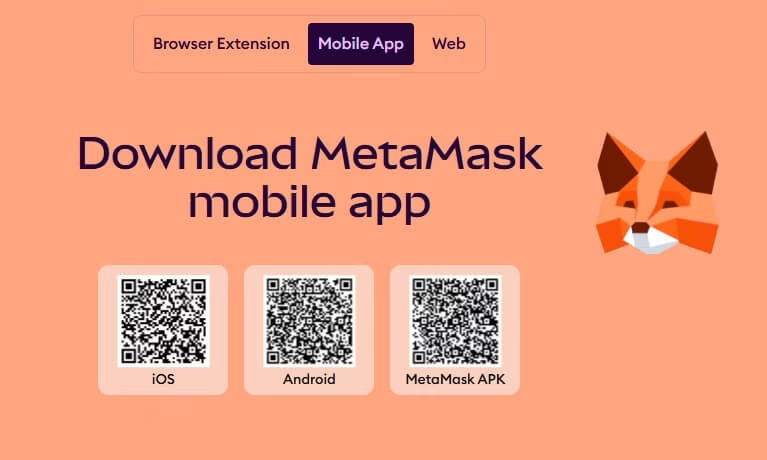
The mobile app is awesome for managing your wallet on the go. Metamask provide it’s app for iOS, Android and APK file to easily install on your mobile device.
To Download it on Mobile Devices Simply Follow these steps.
- Open your app store like for iPhone: Apple App Store and for android: Google Play Store
- In second step Search for “MetaMask.”
- Double-check the developer— it should be Consensys Software Inc. (or sometimes listed under Consensys). Avoid any knockoffs!
- Tap “Get” (iOS) or “Install” (Android)—it’s free.
- Open the app and launch the app on the phone.
Pro Tips:
- Pick “Create a New Wallet” or import an existing one with your Secret Recovery Phrase.
- Set a password (and enable Face ID/Touch ID or fingerprint if you want).
- Back up that recovery phrase safely, just like on desktop.
It works on recent versions of iOS and Android, and doesn’t take up too much space.
Key Security Tips To Stay Safe
- Always verify you’re on the real site: Start from metamask.io every time. Scammers love faking these pages.
- Never share your Secret Recovery Phrase or password with anyone—not even “support” reaching out to you.
- Keep everything updated: The extension auto-updates usually, but check your app store for mobile.
- If you’re connecting to exchanges or dApps, consider extra precautions like hardware wallets down the line.
- Run into issues? Head to the official support.
For the most up-to-date steps, video guides, or anything new, check out https://metamask.io/download/. If you’re importing a wallet, make sure you have your recovery phrase handy.

