
Your Windows PC starts feeling sluggish. Apps take longer to open. Random errors pop up after you uninstall old programs. The Windows Registry, that massive database of settings and configurations, fills with leftover keys, broken links, and outdated entries over time. These leftovers rarely cause dramatic slowdowns on modern systems, yet they can contribute to instability, failed installs, or stubborn error messages that drive people crazy.
I have tested registry tools on multiple Windows 10 and 11 machines for years. Many people jump straight into aggressive cleaners hoping for a miracle speed boost. That approach often backfires. A careful, well-backed-up registry cleaner or repair utility can still help tidy residual mess after heavy software changes. This article walks you through the strongest options available right now in October 2026. You will see clear pros, cons, key features, pricing, and compatibility so you can pick a tool that matches your needs without risking system stability.
What is Registry Cleaner Software for Windows
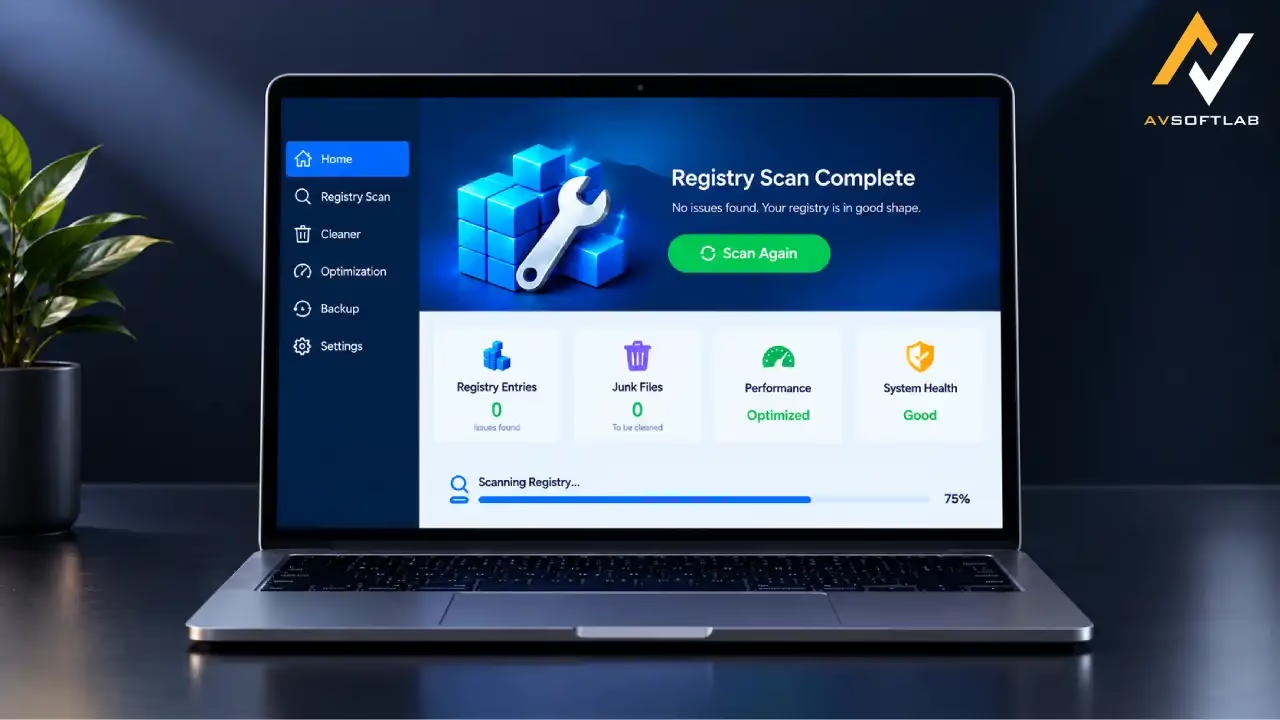
Registry cleaner software scans the Windows Registry for invalid, obsolete, or broken entries. These entries often remain after you uninstall programs, change hardware, or update software. The cleaner identifies the junk and offers to remove or repair it. Good tools create backups first so you can restore if something goes wrong. They focus on safe categories such as leftover application paths, invalid file associations, and orphaned COM objects. Think of them as specialized maintenance helpers rather than magic performance boosters. On a well-kept Windows 11 system the gains stay modest, yet they prove useful after cleaning house of old applications.
List of the Best Registry Cleaner and Repair Software with Pros and Cons
I ran scans, checked backup reliability, and reviewed recent feedback from established tech sites to build this shortlist. The tools below stand out for safety features, clear interfaces, and ongoing updates. Always create a system restore point before any cleanup.
1. Iolo System Mechanic
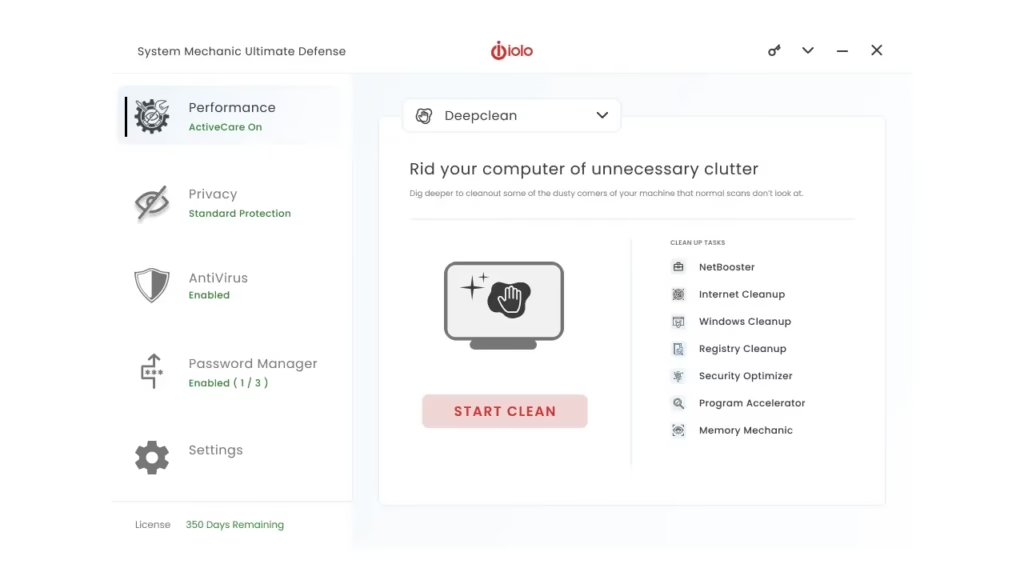
Iolo System Mechanic has been a solid all-around maintenance suite for years. In my testing the registry tools work quietly in the background while the ActiveCare feature handles scheduled cleanups. It feels more comprehensive than a pure registry scanner because it also tackles junk files, startup items, and network tweaks. Users who want set-it-and-forget-it maintenance often stick with it.
Key features
- Deep registry scan and repair with automatic backups
- ActiveCare for scheduled idle-time maintenance
- LiveBoost and NetBooster for real-time resource and network tuning
- Startup manager and privacy tools in higher tiers
- Multi-PC licensing options
- Reliable automatic maintenance that runs without constant attention
- Strong backup and restore options
- Covers more than just the registry
- Positive long-term user feedback on stability
- Free version is limited
- Subscription model can surprise people at renewal
- Higher tiers push security add-ons
Price and compatibility
Free limited edition available. Paid plans start around $44 to $55 per year for the standard version, with Pro and Ultimate Defense tiers higher. Supports Windows 7 through 11 (focus remains on 10 and 11).
Also know: Best PC Optimizer to optimize Windows PC 11/10
2. Ashampoo PC Optimizer (WinOptimizer)
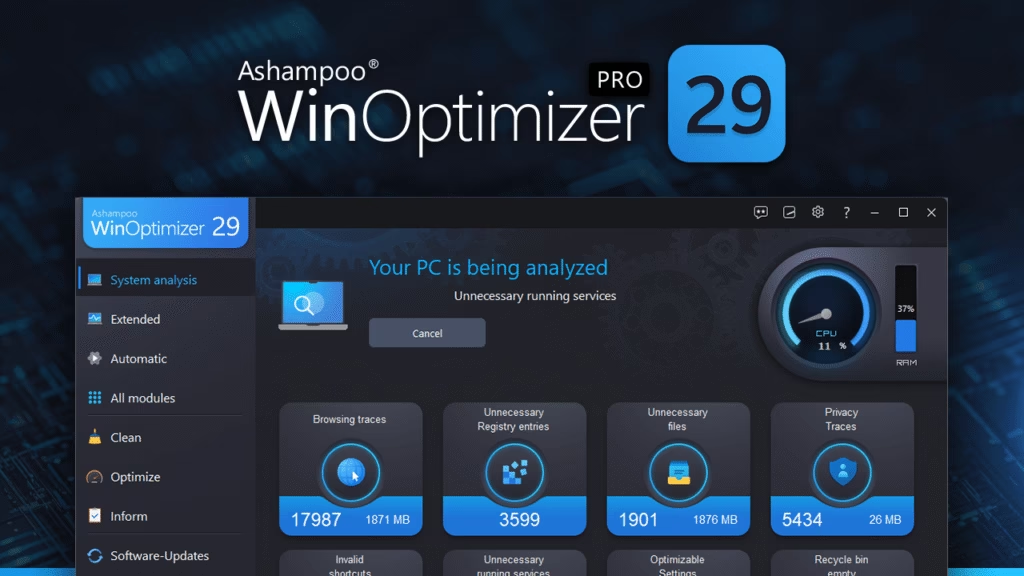
Ashampoo WinOptimizer delivers a clean, module-based interface that feels approachable. I liked how the registry cleaner sits alongside junk file removal, privacy tools, and one-click optimization. The program creates restore points automatically, which gave me confidence during deeper scans. It suits users who prefer a single dashboard for several maintenance jobs.
Key features
- Dedicated registry optimizer and cleaner with fast scan modes
- One-click system optimization
- Privacy trace cleaner and startup manager
- Multiple specialized modules for analysis and tuning
- Automatic restore point creation before changes
- Straightforward interface with clear explanations
- Strong safety net through automatic backups
- Solid free or promotional full-version offers appear regularly
- Good balance of registry work and broader cleanup
- Account signup required even for free use
- Some modules overlap with built-in Windows tools
- Dense feature list can feel busy at first
Price and compatibility
Free limited version available. Full licenses often sell around $30 one-time or via annual plans; promotional free full versions appear periodically. Works on Windows 10 and 11.
3. CCleaner
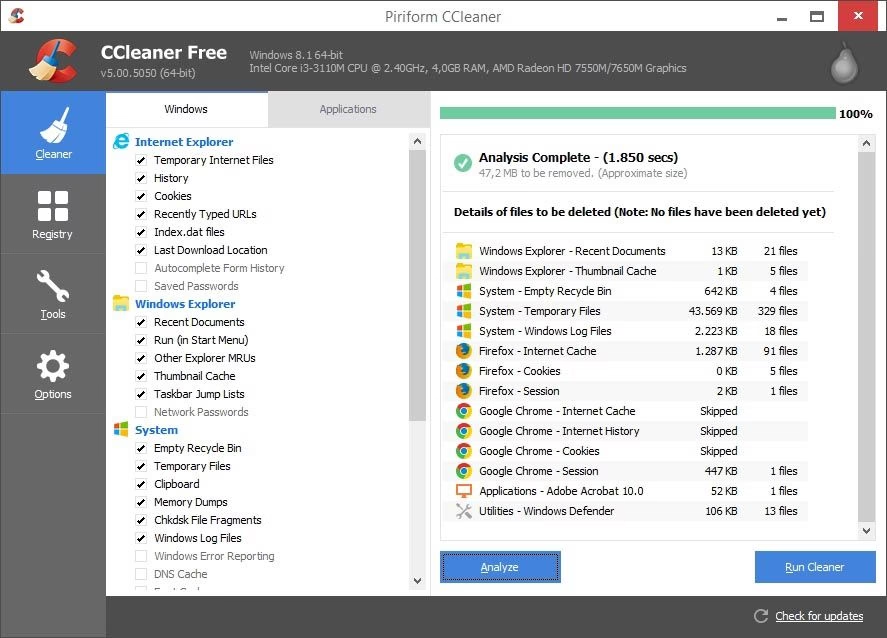
CCleaner remains one of the most recognized names for a reason. Its registry cleaner is conservative and transparent. You can review every flagged item before fixing. I still reach for it after uninstalling multiple programs because the free version already covers the essentials without forcing an upgrade for basic registry work.
Key features
- Registry cleaner with backup before changes
- Junk file, browser, and temporary data cleanup
- Startup manager and software uninstaller
- Health Check overview in free and paid versions
- Optional scheduled cleaning in Pro
- Free version handles registry cleaning well
- Clear, reviewable results
- Broad additional cleanup tools
- Widely tested and familiar interface
- Installer sometimes promotes extra software
- Paid features push upgrades frequently
- Registry gains remain modest on modern systems
Price and compatibility
Free version available. Professional starts around $45 per year for one PC. Supports Windows 10 and 11 (and older versions).
4. Wise Registry Cleaner
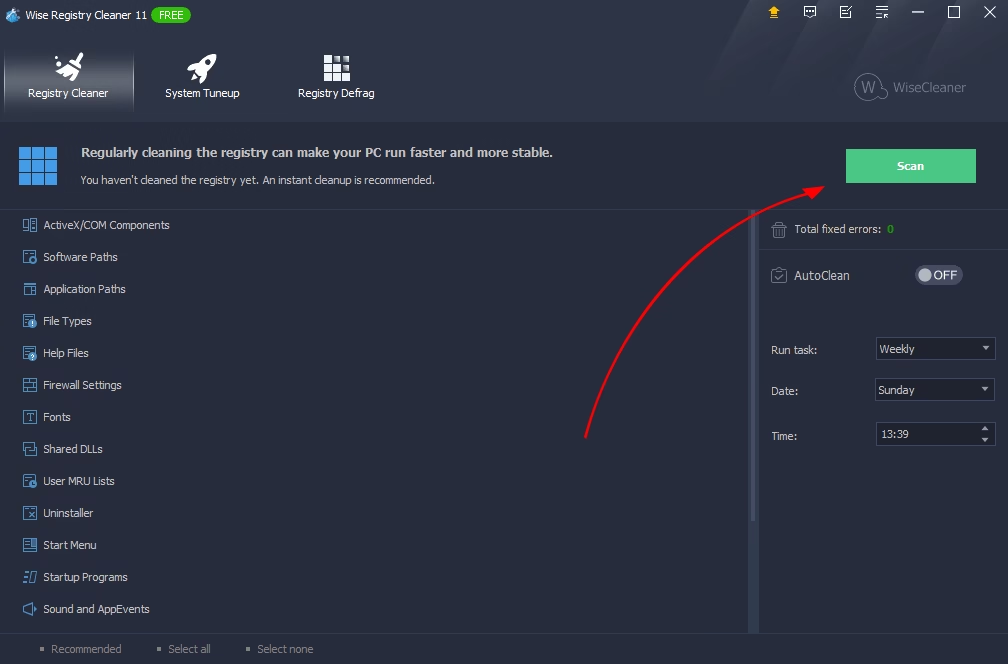
Wise Registry Cleaner stays focused on the registry itself. The free version already includes automatic backups, fast and deep scan modes, and scheduling. In my experience it feels lightweight and avoids the bloat of full suites. The safe-versus-unsafe classification of issues is especially helpful for cautious users.
Key features
- Fast, deep, and custom registry scans
- Automatic registry backup and system restore points
- Registry defragmentation (Pro)
- Scheduled cleaning and system tune-up options
- Lightweight installer
- Strong free version for dedicated registry work
- Clear safety classification of findings
- Small footprint and quick scans
- Reliable backup before every clean
- Interface is functional rather than polished
- Advanced defrag locked behind Pro
- Fewer extra tools than full suites
Price and compatibility
Fully usable free version. Pro around $20 to $30 per year. Compatible with Windows 10 and 11.
5. Auslogics Registry Cleaner
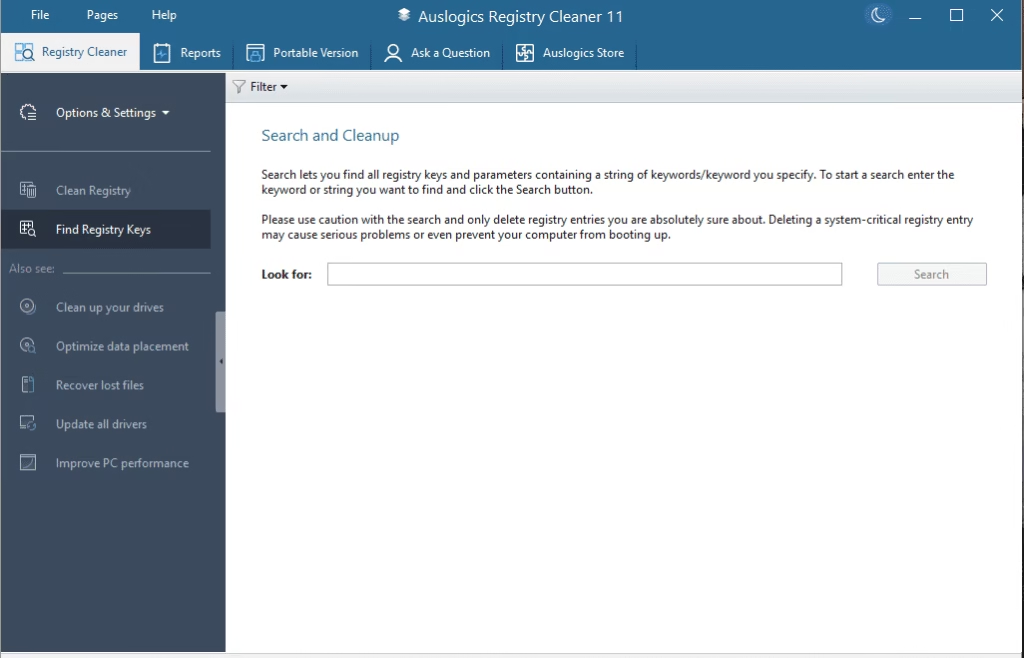
Auslogics focuses on deep scanning with severity grouping so you can prioritize low-risk items. The rescue center makes restoring previous states simple. I found the portable option convenient for cleaning multiple machines without full installs.
Key features
- Deep scan with severity-based grouping
- Automatic registry backup and rescue center restore
- Search for specific keys
- Scheduled scans in Pro
- Portable version available
- Excellent backup and restore workflow
- Transparent severity ratings
- Broad Windows version support
- Free version covers core needs
- Pro version needed for some deeper categories
- Occasional upsell prompts for other Auslogics tools
- Can flag more borderline entries than beginners expect
Price and compatibility
Free version available. Pro roughly $30 per year for multiple PCs. Supports Windows 7 through 11.
Also know: DPC Watchdog Violation (0x00000133): Meaning and Fixes
Conclusion
Registry cleaner and repair software can help remove leftover clutter after heavy software changes, but it is not a cure-all for a slow PC. Focus on tools that prioritize backups, let you review changes, and keep their scope reasonable. In my testing Iolo System Mechanic and Ashampoo WinOptimizer stand out for broader maintenance, while Wise Registry Cleaner and CCleaner excel at focused, low-risk registry work. Always create a restore point first, run the scan, review the results carefully, and only fix what looks safe. Pair any cleaner with regular disk cleanup and startup management for the best results. Choose the option that matches how hands-on you want to be, and your Windows system should stay cleaner and more predictable through the rest of 2026.