
Tired of paying for Photoshop’s monthly fees? You’re not alone. Many creators, small business owners, and hobbyists in the USA are hunting for powerful free Photoshop alternative online tools that run straight in your browser. No downloads, no subscriptions, just instant access to real editing power.
In this guide, I’ll share the top 5 options that deliver professional results without the cost. These tools handle everything from quick photo fixes to layered designs. Whether you’re editing product shots, creating social media graphics, or touching up family photos, you’ll find something that fits your workflow. Let’s dive in.
Top 5 Free Photoshop Alternative Online
1. Photopea
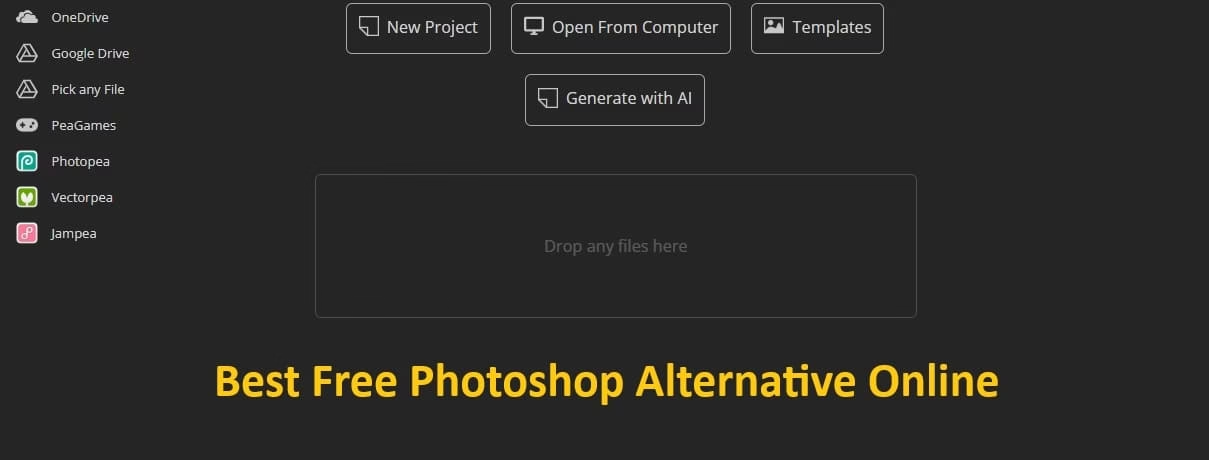
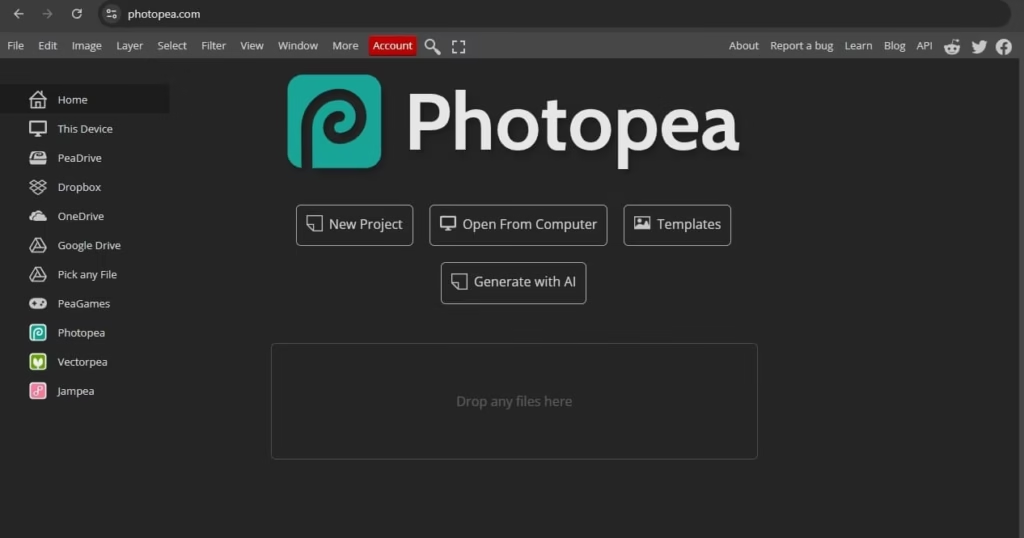
Photopea stands out as the closest thing to Photoshop you’ll find online. It runs completely in your browser and supports PSD files perfectly.
Key features:
- Full layer support, masks, and blending modes for advanced editing
- Works with PSD, XCF, and many other formats
- Familiar interface with most Photoshop tools and shortcuts
- No file upload required — everything processes locally on your device
- Built-in templates and easy export options
Great for users who already know Photoshop and want zero learning curve.
2. Pixlr
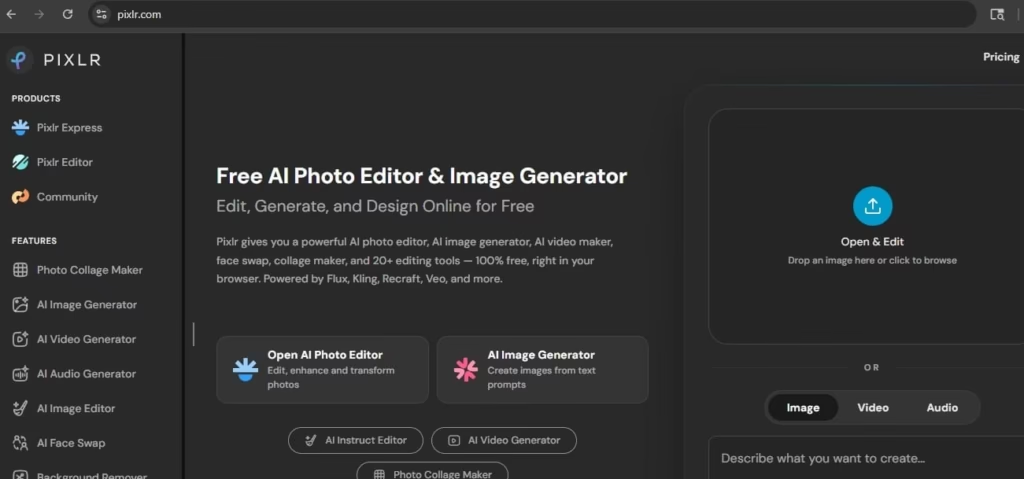
Pixlr offers a clean, modern experience with strong AI tools. It’s perfect for fast edits and creative projects.
Key features:
- AI-powered background removal and object selection
- Smart filters, healing tools, and adjustments
- Both Express (simple) and Editor (advanced) modes
- Cloud storage integration for easy access across devices
- Regular updates with new creative effects
Ideal if you want speed and modern AI without complexity.
Also know: Best Night Vision Goggles to Buy in 2026
3. Canva
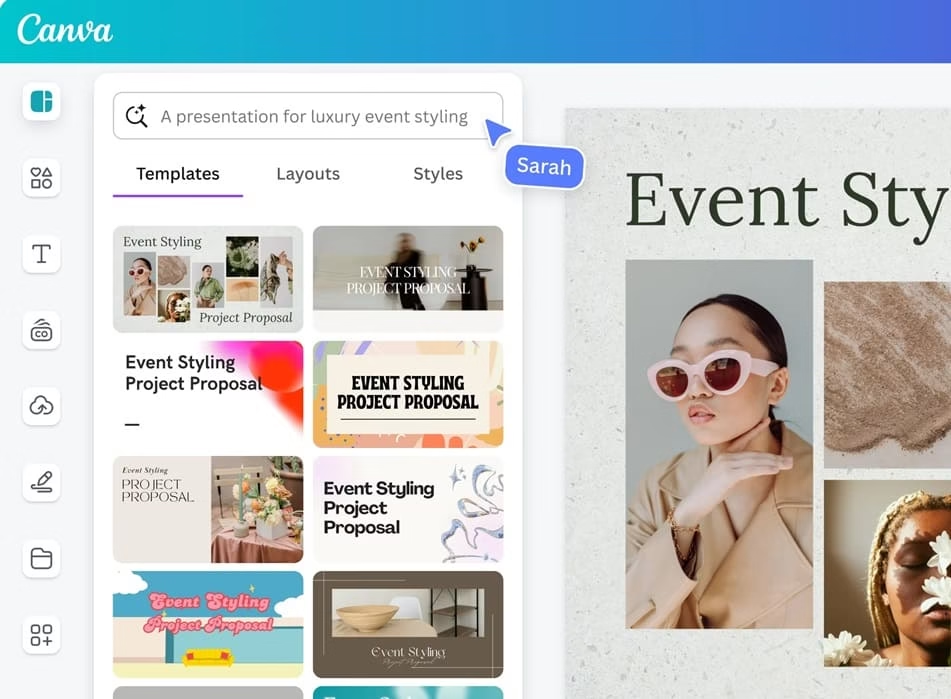
Canva shines for design-focused work while still handling solid photo editing. It’s beginner-friendly yet powerful.
Key features:
- Thousands of templates for social media, posters, and more
- Easy drag-and-drop interface with layers
- Magic Studio AI tools for quick enhancements
- Collaboration features for team projects
- Huge library of free assets and fonts
Best choice for non-designers who create visuals often.
4. Adobe Express
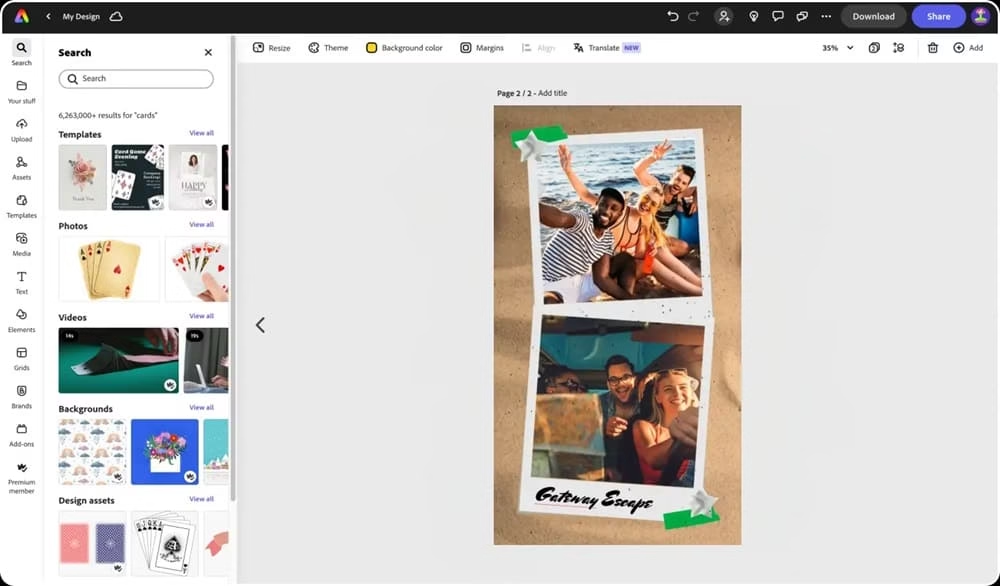
From the makers of Photoshop, this tool gives you trusted quality in a simplified package.
Key features:
- One-click AI tools like generative fill and remove background
- Quick photo adjustments and effects
- Integration with other Adobe free tools
- Mobile-friendly design for on-the-go editing
- Professional templates and brand kits
Perfect if you like Adobe’s ecosystem but want something free and light.
5. Fotor
Fotor balances ease and power with helpful AI features for everyday users.
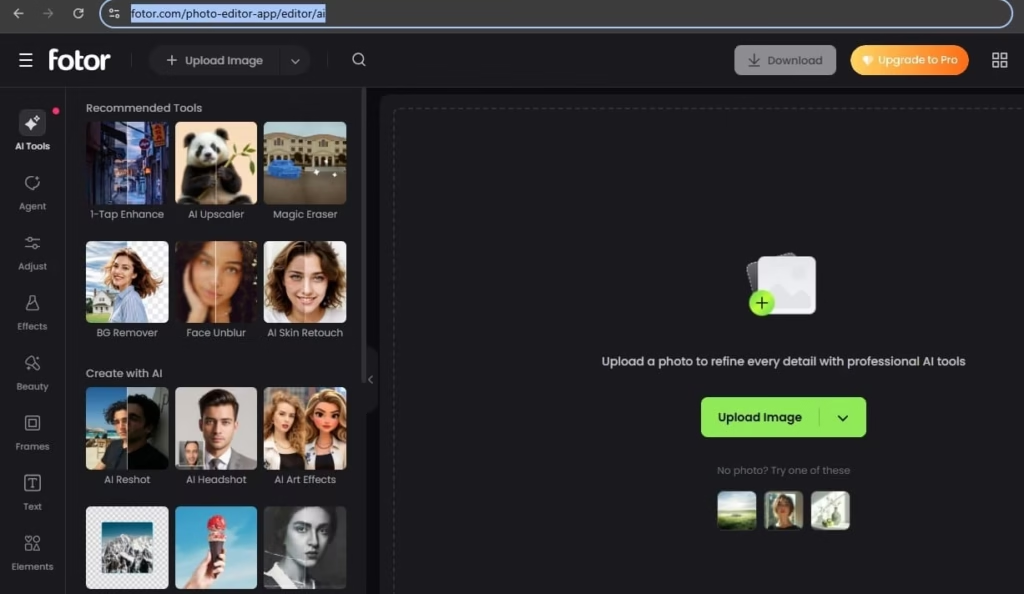
Key features:
- One-tap enhancements and AI photo effects
- Strong collage maker and batch processing
- Object remover and retouching tools
- Cloud-based editing with easy sharing
- HDR and color correction options
A solid all-rounder for quick professional-looking results.
Also know: How to Transfer Photos from iPhone to Laptop
Conclusion
Finding the right free Photoshop alternative online can save you money while keeping your creativity flowing. Photopea is my top pick for power users, while Canva works best for quick designs. Try a couple and see what clicks with your style.
Start experimenting today — most of these tools need zero signup to begin. Your next great project is just a browser tab away.