
ChatGPT still gets plenty of daily use, but 2026 has opened up better options for people who need more than basic conversation. Some of us want stronger coding support. Others look for cleaner long-form writing or real automation that runs across multiple apps. I spent the last several months testing the leading alternatives on actual work projects, and this guide shares what actually performed well without the usual marketing noise.
Why Look for a ChatGPT Alternative?
ChatGPT does a fine job with natural back-and-forth and stays simple to open. Still, other platforms often pull ahead when you need something more specialized. In my experience, the reasons people switch tend to fall into a few clear buckets.
- Unique Features: Some tools reach live web data with citations, handle complex code better, or manage long documents without losing track of earlier points.
- Ease of Use: The strongest ones let you start right away with almost no setup.
- Reliability: You want a tool that stays online and does not force waitlists or sudden limits.
- Seamless Interaction: The best feel less like a machine and more like a capable helper who understands context quickly.
I have tested these daily for writing drafts, debugging code, and automating small business tasks. Each one earned its place based on how it performed under real pressure, not just marketing claims.
Top ChatGPT Alternatives to Try in 2026
1. Google Gemini
Overview: Google Gemini sits deep inside the Google world. If you already live in Gmail, Docs, Sheets, or YouTube, it feels like a natural extension. It can pull details straight from your files and emails, which speeds up drafting replies or locating old documents. The free tier stays generous in 2026, and the paid plans add stronger models plus extra storage.
Pros:
- Smooth ties to Google services make everyday work faster.
- Strong free access and solid multimodal handling of text, images, and more.
Cons:
- Some advanced reasoning still trails the absolute top paid models on the hardest tasks.

In my testing, Gemini saved me time when I needed to summarize long email threads or generate slides from notes already sitting in Drive. The integration feels practical rather than flashy.
Also know: Best Ai Search Engines
2. Claude
Overview: Anthropic built Claude with a clear focus on careful, thoughtful replies and strong ethical guardrails. It shines with long-form writing, detailed analysis of documents, and coding work that needs precision. The Projects feature helps keep context alive across multiple chats, which proves useful for ongoing work. Current models like Opus deliver top-tier performance on writing and complex reasoning.
Pros:
- Replies often feel more measured and human.
- Excellent at following detailed instructions and handling large files.
Cons:
- New features sometimes arrive a bit later than the biggest competitors.
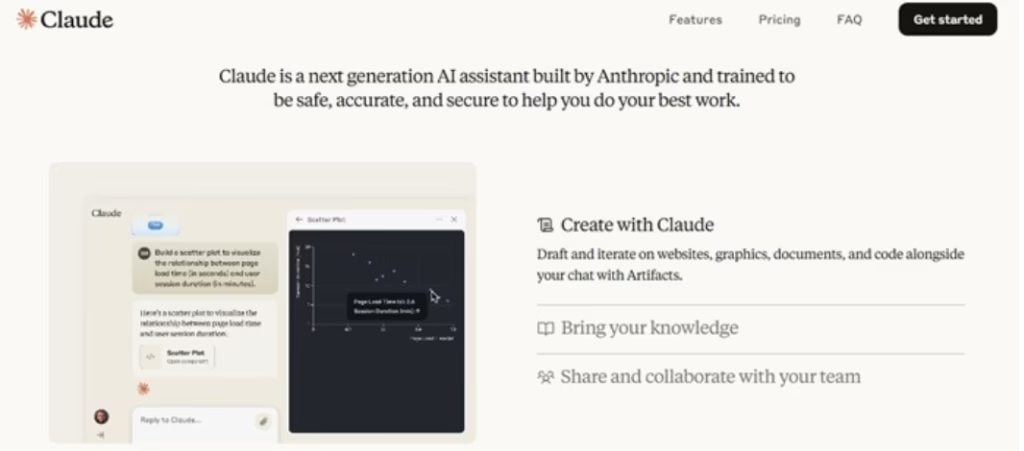
I have tested Claude extensively for article outlines and code reviews. The output usually needs less polishing than other tools. When I feed it a long research PDF, it tracks the key points without drifting. That consistency keeps me coming back.
3. Microsoft Copilot
Overview: Microsoft Copilot draws on advanced models and folds them straight into Word, Excel, Outlook, and Edge. If your day runs on Microsoft tools, the AI sits right where you already work. It helps rewrite text, analyze data tables, or generate formulas without switching apps. Free access exists, while paid tiers unlock deeper features inside Microsoft 365.
Pros:
- Unified flow inside the Microsoft suite.
- Practical help with writing and spreadsheet work.
Cons:
- Customization options feel more limited than standalone chat tools.
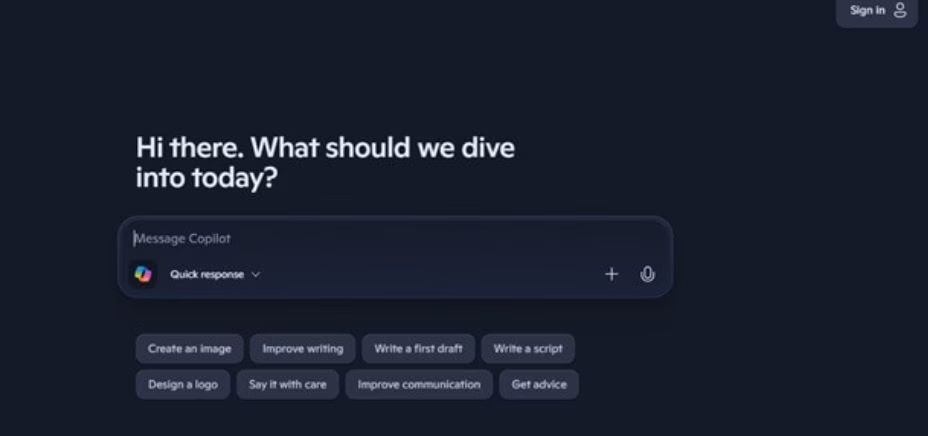
During my own use, Copilot cut the time I spent cleaning up reports in Excel. It understood the context of my existing sheets and suggested useful formulas. For pure chat it feels solid, yet the real power shows up when it lives inside the apps you open every morning.
4. Zapier Agents
Overview: Zapier Agents take a different path. Instead of waiting for prompts, these AI helpers monitor triggers and carry out actions across thousands of connected apps. You describe the job in plain language, and the agent handles the steps. They suit businesses that want workflows to run with less constant oversight. Setup involves some initial configuration, but the autonomy pays off for repeated tasks.
Pros:
- Can act on its own once you set the rules.
- Flexible enough to match specific business processes.
Cons:
- Early setup takes more effort than a simple chat window.
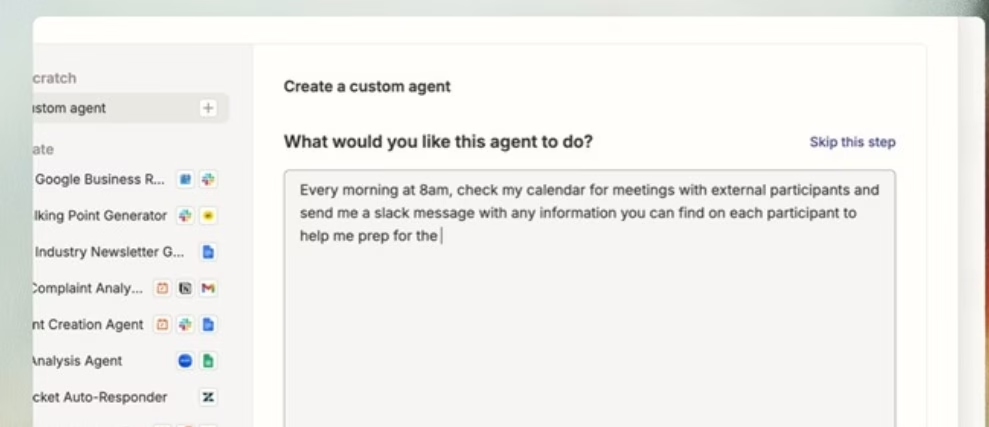
I tested Zapier Agents for a small content workflow. Once configured, the agent watched for new form submissions, drafted follow-up emails, and updated a tracking sheet. Watching it run without constant input felt different from pure chat tools. It works best when you already use multiple apps and want them talking to each other.
Also know: Stream East Alternatives to Watch Free Sports Games
5. DeepSeek
Overview: DeepSeek stands out for strong reasoning at little or no cost. Its models handle complex problems, math, and coding with impressive skill. Free access remains available, which makes it attractive for heavy daily use or developers who want solid performance without a subscription. Some users note limits on certain sensitive topics due to the company’s background and policies.
Pros:
- High-quality reasoning and coding help at a low price point.
- Free tier that actually supports real work.
Cons:
- Content restrictions can appear on some topics.
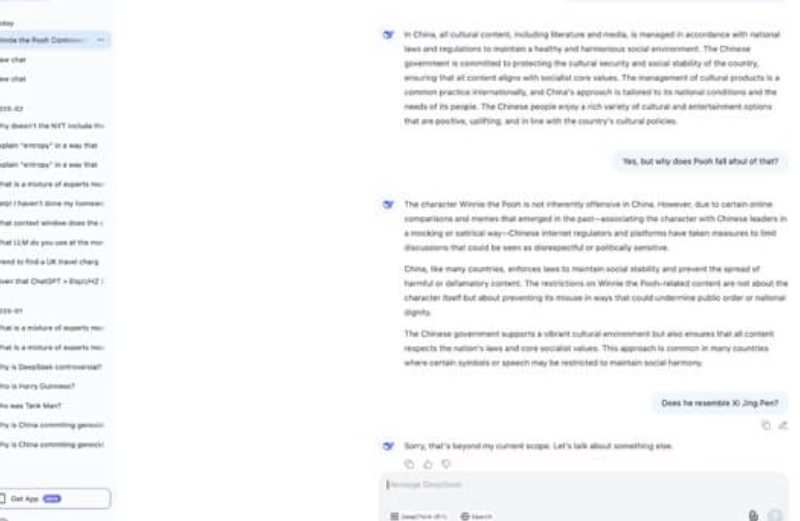
In my experience, DeepSeek handled multi-step coding challenges and logic puzzles with clear step-by-step thinking. I often turn to it when I need quick reasoning without burning through paid credits elsewhere. The free access makes experimentation easy.
Choosing the Right Tool for Your Work
No single option wins every category. Claude tends to deliver the cleanest writing and careful analysis. Gemini fits best if Google tools already shape your day. Microsoft Copilot makes sense inside Office apps. Zapier Agents help when automation across many platforms matters most. DeepSeek gives strong reasoning without the monthly fee.
I rotate between a few of them depending on the task. For a long article draft I open Claude. For quick research tied to my Drive files I use Gemini. When a spreadsheet needs attention, Copilot steps in. That mix keeps my work moving without forcing one tool to do everything.
Practical Tips from Daily Testing
Start with the free tiers. Almost every tool listed offers useful access without payment. Test the same prompt across two or three options and compare the answers side by side. Pay attention to how well each tool remembers earlier parts of a conversation. Check how easily it works with the apps you already open every day.
Also watch the limits. Free plans often include daily caps or slower models. Paid plans remove most of those constraints and unlock stronger versions. In 2026 the price for solid paid access usually sits around the same range across major platforms, so the decision often comes down to features rather than cost alone.
Conclusion
The AI chatbot space in 2026 offers real variety beyond the most famous name. Each tool brings its own strengths, whether that means deep Google integration, careful long-form writing, Microsoft office help, hands-off automation, or free high-level reasoning. Matching the tool to your actual daily needs produces better results than chasing the latest ranking.
I have found that spending a week testing two or three of these options reveals clear favorites quickly. Once you know which one fits your workflow, the productivity gain becomes obvious. Explore them with your own projects. The right alternative can turn everyday tasks into something smoother and more reliable.

Amanda Starc
Amanda is a dedicated technical web content writer with a passion for transforming complex ideas into compelling and accessible online narratives. With a background in web development, and digital Marketing I bring a unique blend of technical expertise and creative storytelling to the digital domain.
