The world of software development has changed dramatically in 2026. AI coding agents are no longer just autocomplete tools — they can understand your entire codebase, plan features, edit multiple files, run tests, and even commit changes on their own. While powerful proprietary tools like Cursor, Claude Code, and GitHub Copilot dominate headlines, many developers are turning to open source AI coding agents for better privacy, zero subscription costs (beyond API usage), full customization, and the freedom to run models locally.
This article explores the best open source AI coding agents you can use right now in 2026. Whether you prefer working in the terminal, inside VS Code, or building fully autonomous workflows, there’s a strong open-source option for you.
We’ll cover what makes each tool special, their key features, strengths, and ideal use cases. By the end, you’ll know exactly which open source AI coding agent fits your workflow best — helping you code faster while staying in full control of your data and tools.
If you value transparency, flexibility, and community-driven innovation, these coding agents are game-changers.
Best Open Source Coding Agents in 2026
In 2026, the open-source AI coding ecosystem has matured significantly. These tools now rival (and sometimes surpass) paid solutions in flexibility and privacy, while giving developers the power to use any LLM — from local models via Ollama to powerful cloud APIs like Claude, GPT, or DeepSeek.
Here are the top open source AI coding agents making waves this year:
1. OpenCode
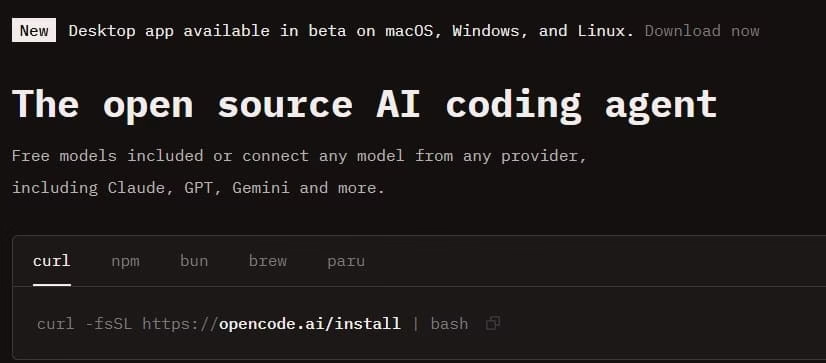
OpenCode has emerged as one of the strongest open-source contenders in 2026. Built by the team behind SST, it’s a terminal-based AI coding agent that’s provider-agnostic and highly extensible.
Key Features & Specialties:
- Supports 75+ LLM providers, including full offline support via Ollama and llama.cpp
- Beautiful terminal UI with rich interactions
- Excellent for multi-step tasks and complex refactoring
- No vendor lock-in — switch models instantly
- Strong community momentum with massive GitHub adoption
- Ideal for developers who love terminal workflows and want maximum flexibility
Best for: Developers seeking a powerful, open-source alternative to Claude Code with full model freedom.
Also know: Healthcare Mobile App Development: Complete Guide
2. Aider
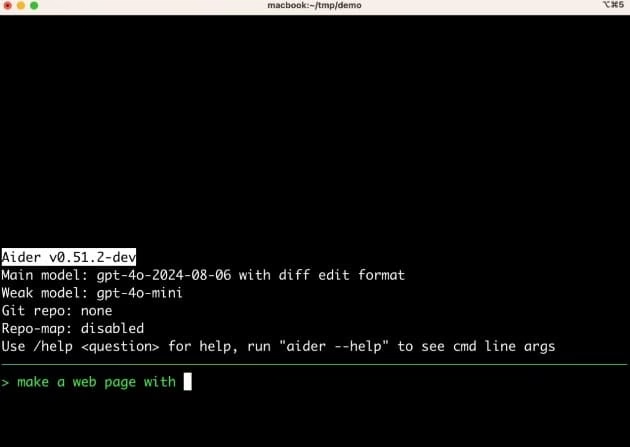
Aider remains a favorite among experienced developers. It acts like an intelligent pair programmer that works directly in your terminal and has deep Git integration.
Key Features & Specialties:
- Git-aware editing — automatically creates meaningful commits
- Excellent at multi-file changes and large refactors
- Works with any LLM (local or cloud)
- Strong reasoning and code quality
- Simple to install and start using
- Highly reliable for iterative development
Best for: Terminal lovers who want AI that understands Git workflows and produces clean, production-ready code.
3. Cline
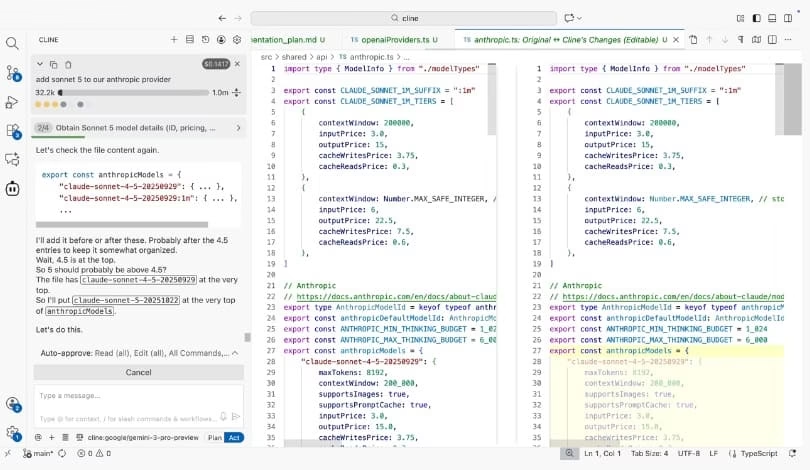
Cline (previously known as Claude Dev) is a powerful open-source VS Code extension that brings strong agentic capabilities directly into your editor.
Key Features & Specialties:
- Full agent mode for complex tasks and multi-file editing
- Clean, intuitive interface inside VS Code
- Bring your own API key — pay only for what you use
- Excellent context understanding of your project
- Fast and responsive performance
- Over millions of installs showing real popularity
Best for: VS Code users who want a polished, Cursor-like experience without switching editors.
4. Continue.dev
Continue is one of the most customizable open-source AI coding assistants available. It turns your existing VS Code or JetBrains IDE into a powerful AI-powered environment.
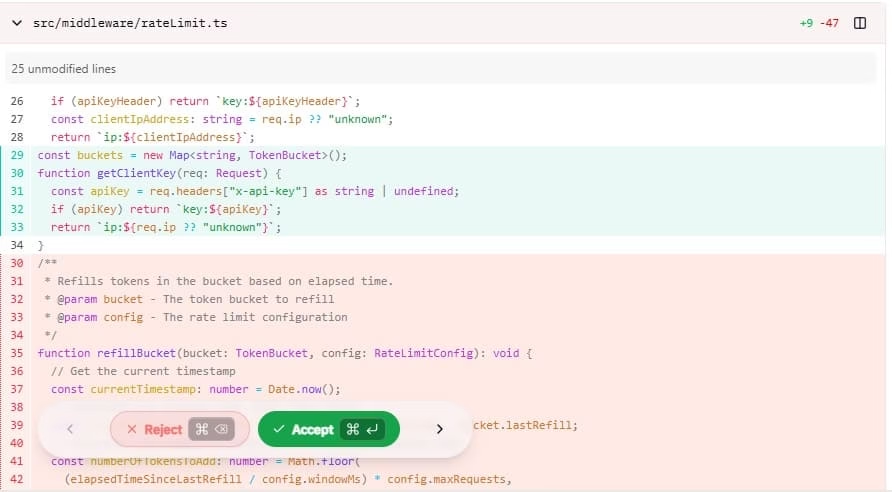
Key Features & Specialties:
- Deep IDE integration with autocomplete and chat
- Highly configurable — tweak everything to your needs
- Supports local models and any cloud provider
- Great for team environments and custom workflows
- Strong focus on privacy and self-hosting options
Best for: Developers who want seamless integration into their current IDE with maximum customization.
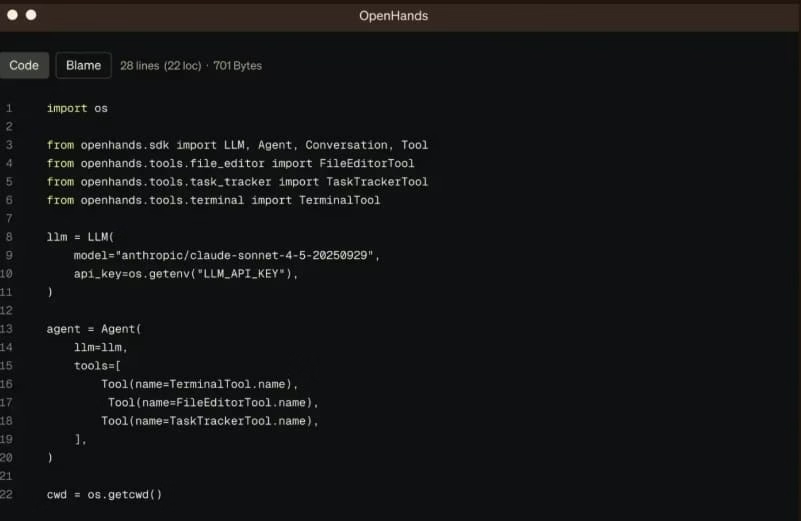
5. OpenHands (formerly OpenDevin)
For those wanting more autonomous behavior, OpenHands offers a platform for building and running fully independent AI software engineering agents.
Key Features & Specialties:
- Autonomous task execution in a sandboxed environment
- Can browse, code, test, and iterate
- Great for research and complex project automation
- Fully open and self-hostable
- Strong community for extensions and improvements
Best for: Teams and advanced users experimenting with truly autonomous coding agents.
Also know: Doctor Booking App Development: Cost, Features & Examples
Conclusion
In 2026, you don’t need expensive subscriptions to enjoy powerful AI coding assistance. The best open source AI coding agents — particularly OpenCode, Aider, and Cline — deliver outstanding performance, privacy, and flexibility that many proprietary tools can’t match.
My top recommendation: Start with OpenCode if you want the most versatile terminal experience, or Cline if you prefer working inside VS Code. Many developers use a combination — for example, Continue or Cline for daily work and Aider for bigger refactors.
Try a couple of them on a side project. Because they’re open source and support bring-your-own-key, there’s almost zero risk in experimenting. You’ll likely find yourself coding faster, smarter, and with much more control.

Amanda Starc
Amanda is a dedicated technical web content writer with a passion for transforming complex ideas into compelling and accessible online narratives. With a background in web development, and digital Marketing I bring a unique blend of technical expertise and creative storytelling to the digital domain.
