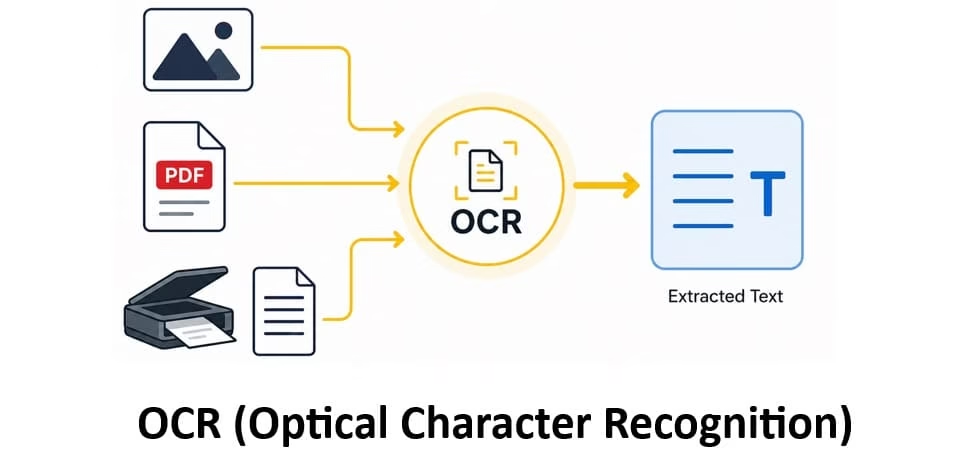
In our fast-paced digital world, mountains of paper documents, scanned PDFs, and smartphone photos still trap valuable information in image form. You cannot search, edit, or analyze it easily. This is exactly why we need OCR Technology. It turns static images of text into editable, searchable digital content. In my experience working with tech tools at Avsoftlab, OCR saves hours of manual typing and reduces errors dramatically.
Through this article, I will guide you step by step. You will discover the OCR full form, what Optical Character Recognition meaning truly is in simple terms, its real-world applications especially in 2026 with AI, and some reliable converter sites for PDF to OCR and image to text tasks. Whether you are a student digitizing notes or a professional handling invoices, this will help you make the most of it.
What is OCR meaning
OCR full form is Optical Character Recognition. At its heart, it is a technology that reads text from images and converts it into machine-readable format. Think of it like giving your computer eyes to understand printed or handwritten words in photos, scans, or PDFs.
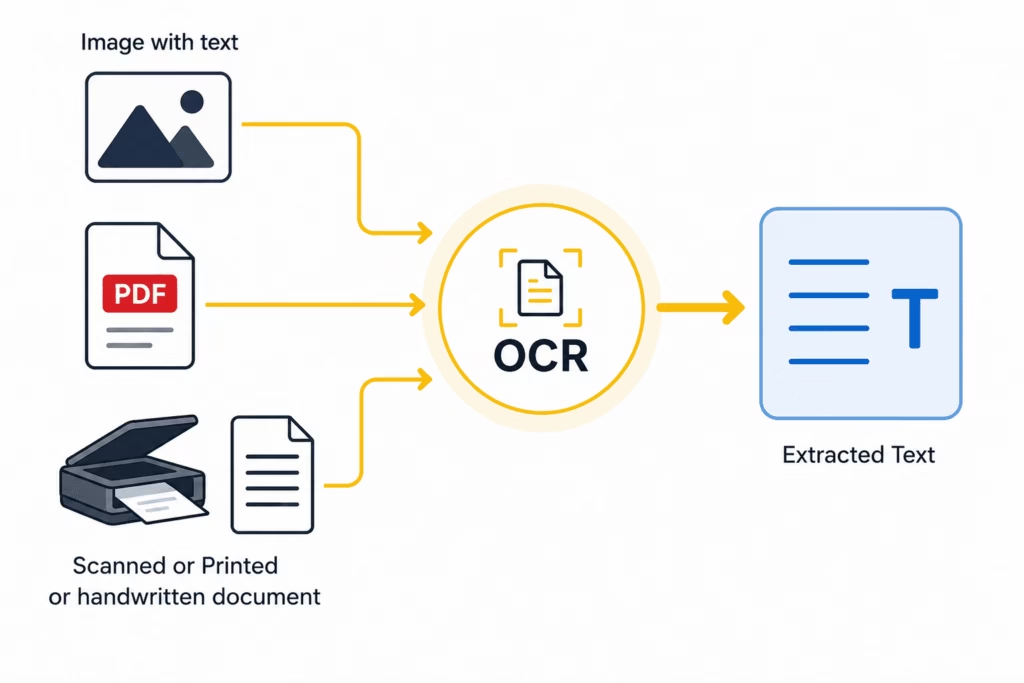
Let me break it down simply. Imagine you snap a photo of a restaurant menu or scan an old contract. Without OCR, that image is just pixels to your device. You cannot copy the text or search for a specific item. OCR changes that. It analyzes the image, identifies shapes of letters and numbers, and turns them into actual editable text.
Here is how it typically works in easy steps. First, the system captures or receives the image. It pre-processes it by cleaning up noise, straightening crooked scans, and improving contrast. Next comes the magic part: character detection. Modern OCR uses pattern recognition and feature extraction. It compares letter shapes to known patterns or breaks them down into lines, curves, and loops. Then it combines characters into words and sentences, often using language models to guess context and fix mistakes.
In 2026, OCR has grown far beyond basic text extraction. Artificial intelligence and machine learning power it now. Deep learning models handle handwriting, faded prints, complex layouts like tables, and even multiple languages with impressive accuracy. Some systems reach 98-99% for printed text and 90-95% for handwritten content. That is a huge leap from early days when it struggled with fonts.
I feel like the beauty of OCR lies in its quiet efficiency. You upload a file, and suddenly a scanned book becomes searchable. No more squinting at blurry PDFs. Businesses love it because it automates data entry. Students use it to pull quotes from textbook pages. And everyday folks digitize receipts for expense tracking.
Optical character recognition meaning goes deeper than just conversion. It bridges the physical and digital worlds. It makes information accessible for people with visual impairments through screen readers. It powers search engines that index document content. And it fuels automation in countless industries.
Of course, challenges remain. Poor image quality, unusual fonts, or heavy handwriting can still trip it up. But with AI advancements, these issues shrink every year. Tools now understand context better. They preserve layout, detect columns, and even extract data from forms intelligently.
By the end of this section, you see why OCR Technology feels almost essential today. It is not flashy like generative AI, but it quietly powers so much of our digital life. Around 200 words here, yet the impact stretches much further. Ready to explore where it shines brightest?
Also know: Resolving HTML5 Video Not Properly Encoded Error on Android, Chrome, Firefox
The Uses of OCR technology
OCR has woven itself into daily operations across sectors by 2026. Its ability to extract data quickly and accurately drives efficiency like never before. AI integration takes it further, making systems smarter and more contextual.
1. Everyday and Business Applications
You will find OCR in banking for processing checks and statements. Finance teams upload invoice images, and the system pulls vendor details, amounts, and dates automatically. No more tedious manual entry. In healthcare, patient records get digitized fast while staying compliant. Legal firms scan contracts and search clauses instantly.
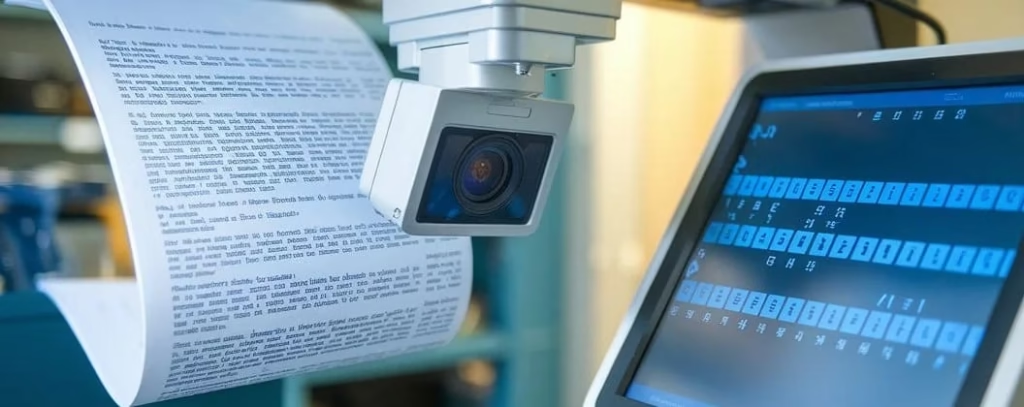
Logistics companies use it for package labels and shipping docs. Retail scans receipts for returns or analytics. Education benefits hugely. Teachers digitize handwritten assignments. Students convert lecture slides or books into notes they can highlight and search.
Government agencies handle passports, IDs, and forms with speed and fewer errors. Accessibility tools rely on OCR so visually impaired users can hear printed text read aloud.
2. OCR in AI: How Modern Tools Leverage It
AI has supercharged OCR. Large language models now combine text recognition with understanding. For example:
- ChatGPT with vision capabilities extracts text from uploaded images or PDFs. It does more than transcribe. It summarizes, answers questions about content, or restructures tables. In my experience, this context awareness makes it incredibly handy for quick tasks.
- Google OCR, through Cloud Vision API or Document AI, excels at dense documents and handwriting. It integrates seamlessly into apps for real-time processing. You can build workflows that extract data from photos and feed it directly into spreadsheets or databases.
- <strong>Bing also offers strong OCR features in its ecosystem, especially for search and productivity tools, helping users pull text from web images or documents effortlessly.</li>
These AI-powered systems go beyond plain text. They detect layout, understand forms, and even reason about the extracted information. Imagine uploading a receipt. The AI not only reads items but categorizes expenses and suggests budget insights.</p>
3. More Specific OCR Uses in 2026
- Document Digitization and Archiving Libraries and archives convert old books and records. OCR makes historical texts searchable without damaging originals.
- Invoice and Receipt Processing Businesses automate accounts payable. AI-OCR reads vendor info, line items, and totals, reducing processing time by 30-50% or more.
- Identity Verification and Security Airports and banks use it for passports and licenses. It speeds checks while flagging inconsistencies.</li>
- Mobile and On-Device Applications Phone cameras translate signs or extract business cards instantly. On-device models work offline with good privacy.
- Data Entry Automation Companies integrate OCR into ERP systems. Purchase orders flow in without human retyping.
- Accessibility and Inclusion Real-time text reading for the blind. Translation of foreign documents on the fly.
- Content Creation and Research Writers pull quotes from images. Researchers analyze large document sets.
The list goes on. In 2026, OCR feels less like a standalone tool and more like invisible infrastructure. It pairs beautifully with other AI for intelligent document processing. You get structured data ready for analysis, not just raw text.
I have seen teams transform workflows after adopting these. What used to take days now happens in minutes. Yet it stays approachable for personal use too.
OCR Converting sites
<p>When you need quick results without installing software, online OCR converter sites step in. They handle PDF to OCR and image to text conversions using advanced engines. Here are some reliable options that stand out in 2026 for accuracy, ease, and features. Always check privacy policies, especially with sensitive documents.
PDF to OCR Tools
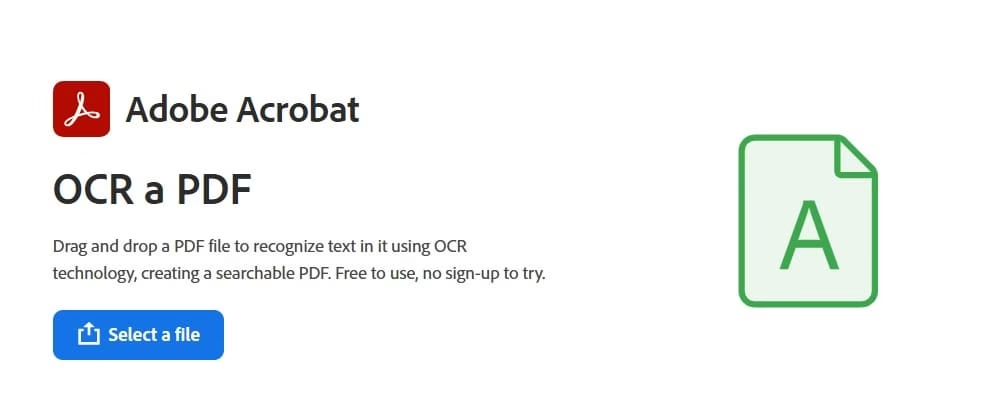
1. Adobe Acrobat Online OCR:
A top choice for PDFs. Upload your scanned document, and it applies text recognition, making it searchable and editable. High accuracy for printed text. Free tier available with limits. Great for maintaining original layout.
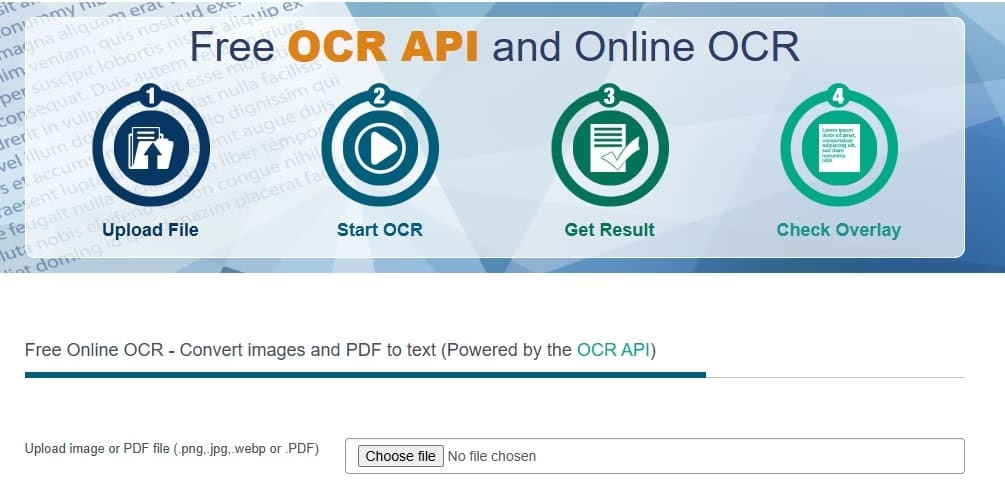
2. OCR.space:
Free online service with no signup for basic use. Supports multi-page PDFs and creates searchable PDFs. Offers an API too. Handles many languages and works well for complex layouts. File size limits apply on free tier, but it is fast and privacy-focused.
3. i2OCR:
Simple and free. Upload PDFs or images, choose output format like Word or text. Supports over 100 languages. No installation needed, and files delete automatically after processing for better privacy.
Also know: Easy Ways to Sync Refresh Rates for Smooth Playback Windows 11/10
Image to Text Converters
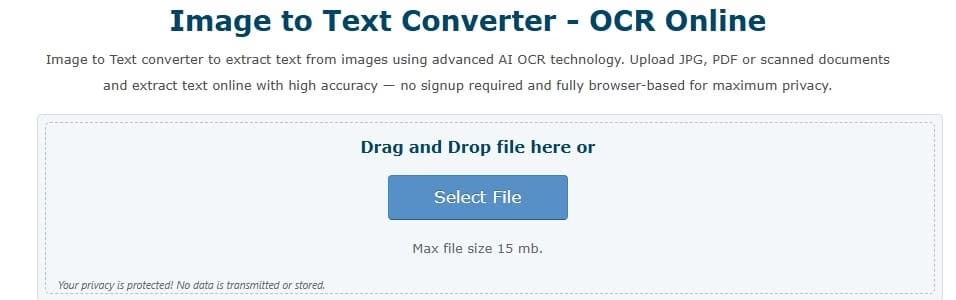
1. OnlineOCR.net
Converts images (JPG, PNG, etc.) and scanned PDFs to editable text. Supports Word, Excel outputs. Good for batch processing small files.
2. Google Drive
A hidden gem. Upload an image or PDF to Drive, open with Google Docs, and it often applies OCR automatically. Free, accurate for many languages, and integrates with your Google account.
3. NewOCR
Unlimited uploads for images and various formats. Useful for quick one-offs.
4. Klippa or Koncile.ai
(for more advanced needs) These lean into AI for structured extraction from images, ideal for invoices or forms.
Tips for Best Results – </strong>Use clear, well-lit images. Straighten documents if possible. Choose tools supporting your language. For sensitive data, prefer offline or privacy-strong options. Test a few to see which fits your workflow.
These sites make OCR accessible to anyone. No coding required. Just upload and download the text. In my experience, starting with free tools helps you understand the technology before scaling to enterprise solutions.
Conclusion
OCR Technology has come a long way from its early roots. Today in 2026, it powers seamless digitization, smarter AI applications, and everyday productivity. From understanding Optical character recognition meaning to leveraging converter sites, you now have practical knowledge to apply it.</p>
<p>Whether converting old family letters, streamlining business paperwork, or exploring AI integrations like those in ChatGPT and Google tools, O
CR opens doors. It saves time, cuts costs, and unlocks information trapped in images.
I encourage you to try one of the sites mentioned today. Experiment with your own documents. You will quickly see the difference it makes. As technology evolves, OCR will only get better at handling nuances and integrating deeper with AI.
At Avsoftlab, we stay excited about tools that make tech more human and helpful. What will you digitize first?

